VPN to change location free(2026)
Learn how a free VPN changes your apparent IP location, what limitations to expect, and how to choose one safely.
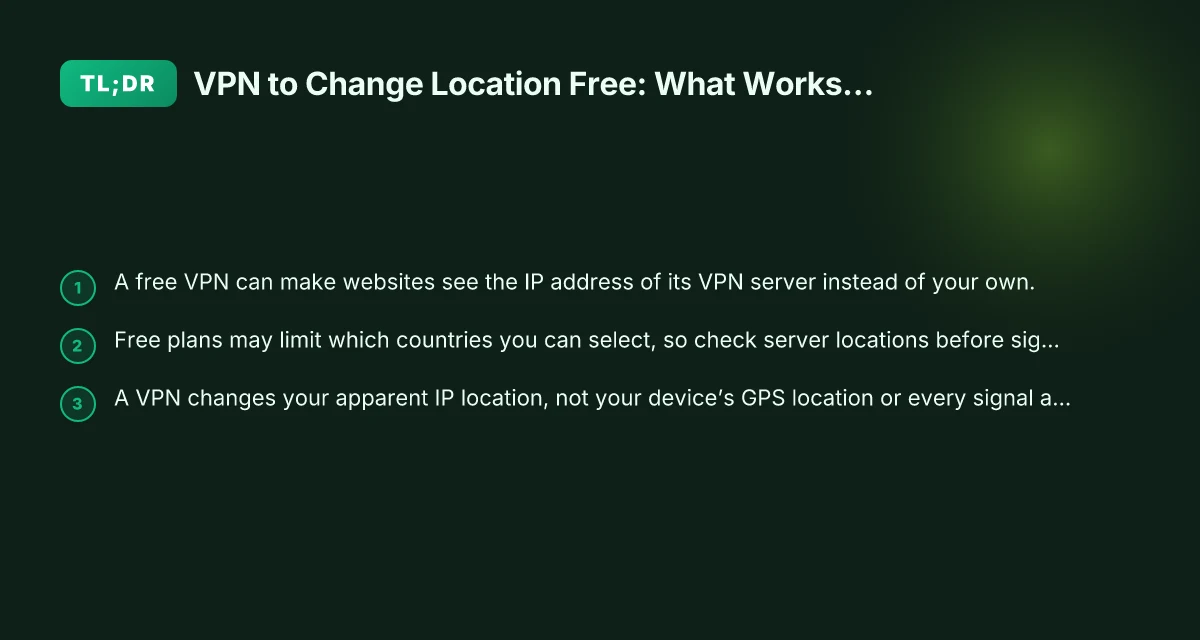
A VPN to change location free can help you appear to browse from a different country without paying for a subscription. It routes your internet traffic through a VPN server, so websites generally see the server’s IP address rather than your usual one. However, free VPNs vary in their country choices, privacy practices, and data limits. Choose carefully, and remember that a VPN does not change every kind of location information your device shares.
Free VPN comparison at a glance
| Option | Changes apparent location | Free-plan limit | Country-specific content | Best for |
|---|---|---|---|---|
| Proton VPN Free | Yes | No data limit | Streaming access not guaranteed | Longer browsing |
| Windscribe Free | Yes | Monthly data allowance | Streaming access not guaranteed | Occasional use |
| PrivadoVPN Free | Yes | Monthly data allowance | Streaming access not guaranteed | Trying another location |
| TunnelBear Free | Yes | Limited data | Streaming access not guaranteed | Short sessions |
| VPN Gate | Yes | Volunteer-run servers | Reliability varies | Temporary access |
| Tor Browser | Can change apparent location | Not a VPN | Not designed for streaming | Anonymity-focused browsing |
Compiled November 2026; check the provider's site for current details.
| VPN | Obfuscation | From / month | Plan | Free plan | Refund | Alipay | UnionPay | Crypto | Website opens in China | Trustpilot | |
|---|---|---|---|---|---|---|---|---|---|---|---|
 Proton VPN | Turn on manually Stealth, free plan too | $2.99/mo | 12 months: $35.88 | Yes | 30 days | ✗ | ✗ | ✗ | ✓ | ✗ Blocked | 2.1/5 (1,040 reviews) |
 Windscribe | Turn on manually Stealth / WStunnel | $5.75/mo | 12 months: $69 | Yes | See site | ✗ | ✗ | ✗ | ✓ | ✗ Blocked | 4.7/5 (13,355 reviews) |
 ZoogVPN | Turn on manually Shadow | $2.49/mo | 27 months: $59.99 | Yes | 7 days | ✓ | ✓ | ✓ | ✓ | Official site blocked; our special link opens (4.4 s) | 4.2/5 (195 reviews) |
 NordVPN | Turn on manually Obfuscated Servers / NordWhisper | $3.49/mo | 27 months: $94.23 | No | 30 days | ? | ✗ | ✓ | ✓ | ✗ Blocked | 4.2/5 (51,628 reviews) |
 ExpressVPN | ✓ On by default all servers | $3.00/mo | 28 months: $84 | No | 30 days | ✗ | ✗ | ✓ | ✗ | ✗ Blocked | 4.4/5 (29,706 reviews) |
 Surfshark | ✓ On by default Camouflage, with OpenVPN | See site | See site | No | 30 days | ✗ | ✗ | ✗ | ✓ | ✗ Blocked | 4.3/5 (31,823 reviews) |
 Astrill VPN | Turn on manually StealthVPN / OpenWeb | $12.50/mo | 24 months: $300 | No | See site | ✗ | ✗ | ✗ | ✓ | ✗ Blocked | 1.3/5 (110 reviews) |
 Private Internet Access | Turn on manually Shadowsocks, OpenVPN only | $2.03/mo | 40 months: $81.2 | No | 30 days | ✗ | ✗ | ✗ | ✗ | ✗ Blocked | 4.2/5 (11,033 reviews) |
 CyberGhost | Turn on manually selected servers | $2.19/mo | 28 months: $61.32 | No | 45 days | ✗ | ✗ | ✗ | ✓ | ✗ Blocked | 4.0/5 (24,178 reviews) |
 PureVPN | Turn on manually switch to OpenVPN | $1.69/mo | 60 months: $101.55 | No | 31 days | ? | ? | ✗ | ✓ | ✗ Blocked | 4.4/5 (17,994 reviews) |
 AdGuard VPN | ✓ On by default TrustTunnel | $2.99/mo | 24 months: $71.76 | Yes | 30 days | ✓ | ✗ | ✓ | ✓ | Official site blocked; our special link opens (3.7 s) | 4.3/5 (290 reviews) |
 Mullvad | Turn on manually QUIC / Shadowsocks / LWO | $5.61/mo | €5/mo | No | 14 days | ✗ | ✗ | ✗ | ✓ | ✗ Blocked | 3.2/5 (192 reviews) |
 StrongVPN | Turn on manually Scramble, OpenVPN TCP | See site | See site | No | 30 days | ✓ | ✗ | ✗ | ✗ | ✗ Blocked | 4.4/5 (2,695 reviews) |
 LightXtreme 闪连 | Not listed | $7.08/mo | 12 months: $84.99 | Yes | 30 days | ✓ | ✓ | ✓ | ✓ | ✓ Yes (3.5 s) | No page |
Prices checked 2026-11-10 on each vendor's pricing page (cheapest long plan, USD). Check the vendor's checkout for the final price.
Obfuscation checked 2026-11-14 on each vendor's site and help center: "on by default" = nothing to set; "turn on manually" = switch protocol or mode in settings; "not listed" = the vendor describes no obfuscation.
Payment methods checked 2026-11-10 on each vendor's payment pages: all 14 take cards and PayPal; ✗ = not listed, ? = the vendor's own pages disagree.
China access: whether the official website opens from mainland China networks (tests the website only, not the VPN connection). Last checked 2026-11-18 01:02 Beijing time.
Trustpilot score and review count checked 2026-11-10.
How a free VPN changes your location
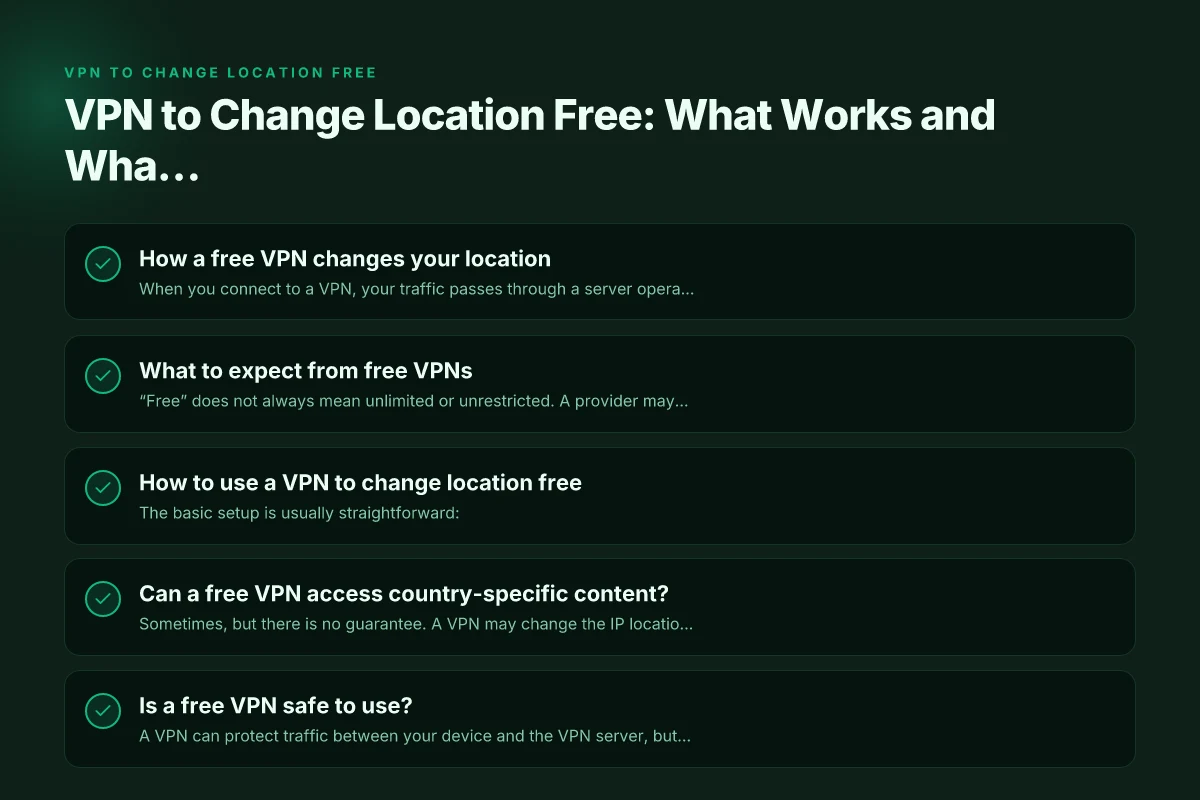
When you connect to a VPN, your traffic passes through a server operated by the provider. If that server is in another country, websites and apps that use your IP address may associate your connection with that country.
This can be useful when you want more privacy on public Wi-Fi or need to check how a website appears from another region. But it is not the same as physically moving your device or changing its GPS coordinates.
A VPN may not affect:
- GPS-based location used by maps and some mobile apps
- Location information you have already shared with an account
- Browser or app permissions that disclose device location
- Services that detect VPN traffic or use other signals to estimate your location
For a more consistent result, review your browser and device location permissions as well as your VPN connection. how can i tell if a VPN is blocking my internet(2026)
What to expect from free VPNs
“Free” does not always mean unlimited or unrestricted. A provider may offer a free plan with a limited number of server countries, slower connections, or a monthly data allowance. Some providers reserve their full location lists for paying customers.
Proton VPN says its free plan has no data limit, includes no ads, and does not log user activity. Its free-plan locations and features may differ from those on its paid plans, so check the provider’s current terms before connecting.
UrbanVPN advertises access to 82 VPN countries, unlimited server and location switches, and unlimited use. These are provider claims, not a guarantee that every server will work with every website or service. Review its privacy information and app permissions before deciding whether it suits your needs.
| What to compare | Why it matters |
|---|---|
| Available countries on the free plan | A VPN is only useful for a country you can actually select |
| Data limits | Limits can interrupt browsing or streaming |
| Privacy policy | Check what connection or activity information the provider collects |
| Ads and app permissions | Understand how the free service is supported and what access it requests |
| Reliability and speed | Busy or distant servers can make browsing slower |
| Device support | Confirm that the provider has an app for your phone or computer |
What to check before using a free VPN NordVPN windows(2026)
| Check | Why it matters | What to look for | Possible trade-off |
|---|---|---|---|
| Data allowance | Video and downloads use data quickly | Unlimited or clearly stated limit | Lower limits restrict use |
| Available countries | Determines which locations you can select | Server list includes your target country | Free plans may offer fewer countries |
| Speed | Affects browsing and streaming | Recent, consistent performance | Busy free servers may be slower |
| Privacy policy | Shows how your data is handled | Clear logging and data-sharing terms | Free services may rely on ads or upgrades |
| Security features | Helps protect your connection | Modern encryption and leak protection | Some features may be paid-only |
| Device support | You need an app for your device | Compatible apps or setup instructions | Free plans may limit connections |
| Streaming support | Services may block VPN traffic | Explicit support or a working trial | Access can change without notice |
Compiled November 2026; check the provider's site for current details.
How to use a VPN to change location free
The basic setup is usually straightforward:
- Choose a provider and read its free-plan terms and privacy policy.
- Download its app from the official website or your device’s app store.
- Create an account if required, then sign in.
- Open the server or location list and choose an available country.
- Connect and check your apparent IP location using a reputable IP-checking website.
- If a site still shows your previous region, review location permissions, reconnect, or try another available server.
Avoid downloading VPN apps from unfamiliar websites. A VPN provider handles your internet traffic, so its trustworthiness matters. Installing an unknown app can create more privacy risk rather than less.
Can a free VPN access country-specific content?
Sometimes, but there is no guarantee. A VPN may change the IP location a service sees, yet streaming platforms, music services, and other websites can also use account settings, payment details, GPS, cookies, or VPN-detection systems. Their rules may restrict access from certain regions, and a free server’s IP address may already be blocked. microsoft edge secure network VPN reviews(2026)
If a particular country is your reason for using a VPN, verify that the free plan offers a server there before installing it. Also check the service’s terms. A VPN does not override licensing restrictions or make every region-locked feature available.
Is a free VPN safe to use?
A VPN can protect traffic between your device and the VPN server, but it does not make you anonymous or protect you from every online threat. The VPN provider may be able to see some connection information, which is why its privacy policy and reputation matter.
Be cautious if a free service:
- Makes unclear promises about privacy or “unlimited” access
- Requests permissions that do not seem necessary
- Has no easy-to-find privacy policy
- Pressures you to install extra software
- Offers no clear explanation of how it supports the service
A reputable free plan can be a reasonable option for occasional browsing, but do not assume every free VPN treats data the same way. For sensitive activity, evaluate the provider’s security practices carefully and keep your apps and operating system up to date. nord VPN in china(2026)
Free VPN setup and location-change checklist
| Step | What to do | What to check | If it does not work |
|---|---|---|---|
| Choose a provider | Pick a reputable free plan | Limits, privacy policy, server countries | Compare another provider |
| Install the app | Use the official app store or website | Correct publisher and permissions | Remove suspicious downloads |
| Create an account | Follow the provider’s instructions | Required personal information | Choose a provider with fewer requirements |
| Select a country | Pick an available server location | The target country is on the free plan | Try another listed server |
| Connect | Start the VPN connection | App shows an active connection | Switch servers or reconnect |
| Check your location | Visit an IP-location checker | Country matches the selected server | Check for a leak or change servers |
| Test the service | Open the site or app you need | Content availability and performance | Clear cookies or try another server |
| Disconnect safely | Turn off the VPN when finished | Connection returns to normal | Restart the app or device |
Compiled November 2026; check the provider's site for current details.
Recommendation
For a VPN to change location free, first check that the free plan includes the country you need and clearly explains its privacy practices. Proton VPN advertises a free plan with no data limit, no ads, and no activity logs; UrbanVPN advertises a broad selection of countries and unlimited switching. Compare their current terms rather than relying on marketing claims alone.
Use the VPN to change your apparent IP location, and adjust GPS or browser permissions separately if needed. If the free plan does not offer your target country or a service continues to block access, a VPN may not meet that particular need. does microsoft edge have VPN(2026)
顾远舟核对付费VPN的长期价格、退款天数和支付宝付款。