nord VPN in china(2026)

Learn whether NordVPN works in China, what to do before you travel, and how to troubleshoot connection problems.
Nord VPN in China is not a reliable option to count on: connections may fail, and NordVPN says its apps are blocked there on some platforms. If you plan to travel to China, prepare before you arrive by checking NordVPN’s official setup guidance and support information. Even with preparation, there is no guarantee you will be able to connect.
China connection preparation checklist
| Step | When to do it | What to prepare | Why it matters |
|---|---|---|---|
| Install NordVPN | Before travel | App on each device | Access may be restricted in China |
| Sign in | Before travel | Account credentials | Avoid account-access problems |
| Save support details | Before travel | Help links and contact options | Support pages may be harder to reach |
| Review connection settings | Before travel | Available protocols and settings | Prepare for connection troubleshooting |
| Test on each device | Before travel | Phone, laptop, or tablet | Confirm setup before departure |
| Secure account access | Before travel | Working sign-in and recovery details | Reduce reliance on blocked services |
| Keep a backup plan | Before travel | Alternative ways to access essential services | A VPN connection is not guaranteed |
| Check current guidance | Before and during travel | NordVPN updates and local requirements | Conditions can change |
Compiled November 2026; check the provider's site for current details.
| VPN | Obfuscation | From / month | Plan | Free plan | Refund | Alipay | UnionPay | Crypto | Website opens in China | Trustpilot | |
|---|---|---|---|---|---|---|---|---|---|---|---|
 NordVPN | Turn on manually Obfuscated Servers / NordWhisper | $3.49/mo | 27 months: $94.23 | No | 30 days | ? | ✗ | ✓ | ✓ | ✗ Blocked | 4.2/5 (51,628 reviews) |
 ZoogVPN | Turn on manually Shadow | $2.49/mo | 27 months: $59.99 | Yes | 7 days | ✓ | ✓ | ✓ | ✓ | Official site blocked; our special link opens (4.4 s) | 4.2/5 (195 reviews) |
 ExpressVPN | ✓ On by default all servers | $3.00/mo | 28 months: $84 | No | 30 days | ✗ | ✗ | ✓ | ✗ | ✗ Blocked | 4.4/5 (29,706 reviews) |
 Surfshark | ✓ On by default Camouflage, with OpenVPN | See site | See site | No | 30 days | ✗ | ✗ | ✗ | ✓ | ✗ Blocked | 4.3/5 (31,823 reviews) |
 Proton VPN | Turn on manually Stealth, free plan too | $2.99/mo | 12 months: $35.88 | Yes | 30 days | ✗ | ✗ | ✗ | ✓ | ✗ Blocked | 2.1/5 (1,040 reviews) |
 Astrill VPN | Turn on manually StealthVPN / OpenWeb | $12.50/mo | 24 months: $300 | No | See site | ✗ | ✗ | ✗ | ✓ | ✗ Blocked | 1.3/5 (110 reviews) |
 Private Internet Access | Turn on manually Shadowsocks, OpenVPN only | $2.03/mo | 40 months: $81.2 | No | 30 days | ✗ | ✗ | ✗ | ✗ | ✗ Blocked | 4.2/5 (11,033 reviews) |
 CyberGhost | Turn on manually selected servers | $2.19/mo | 28 months: $61.32 | No | 45 days | ✗ | ✗ | ✗ | ✓ | ✗ Blocked | 4.0/5 (24,178 reviews) |
 PureVPN | Turn on manually switch to OpenVPN | $1.69/mo | 60 months: $101.55 | No | 31 days | ? | ? | ✗ | ✓ | ✗ Blocked | 4.4/5 (17,994 reviews) |
 AdGuard VPN | ✓ On by default TrustTunnel | $2.99/mo | 24 months: $71.76 | Yes | 30 days | ✓ | ✗ | ✓ | ✓ | Official site blocked; our special link opens (3.7 s) | 4.3/5 (290 reviews) |
 Mullvad | Turn on manually QUIC / Shadowsocks / LWO | $5.61/mo | €5/mo | No | 14 days | ✗ | ✗ | ✗ | ✓ | ✗ Blocked | 3.2/5 (192 reviews) |
 Windscribe | Turn on manually Stealth / WStunnel | $5.75/mo | 12 months: $69 | Yes | See site | ✗ | ✗ | ✗ | ✓ | ✗ Blocked | 4.7/5 (13,355 reviews) |
 StrongVPN | Turn on manually Scramble, OpenVPN TCP | See site | See site | No | 30 days | ✓ | ✗ | ✗ | ✗ | ✗ Blocked | 4.4/5 (2,695 reviews) |
 LightXtreme 闪连 | Not listed | $7.08/mo | 12 months: $84.99 | Yes | 30 days | ✓ | ✓ | ✓ | ✓ | ✓ Yes (3.5 s) | No page |
Prices checked 2026-11-10 on each vendor's pricing page (cheapest long plan, USD). Check the vendor's checkout for the final price.
Obfuscation checked 2026-11-14 on each vendor's site and help center: "on by default" = nothing to set; "turn on manually" = switch protocol or mode in settings; "not listed" = the vendor describes no obfuscation.
Payment methods checked 2026-11-10 on each vendor's payment pages: all 14 take cards and PayPal; ✗ = not listed, ? = the vendor's own pages disagree.
China access: whether the official website opens from mainland China networks (tests the website only, not the VPN connection). Last checked 2026-11-18 01:02 Beijing time.
Trustpilot score and review count checked 2026-11-10.
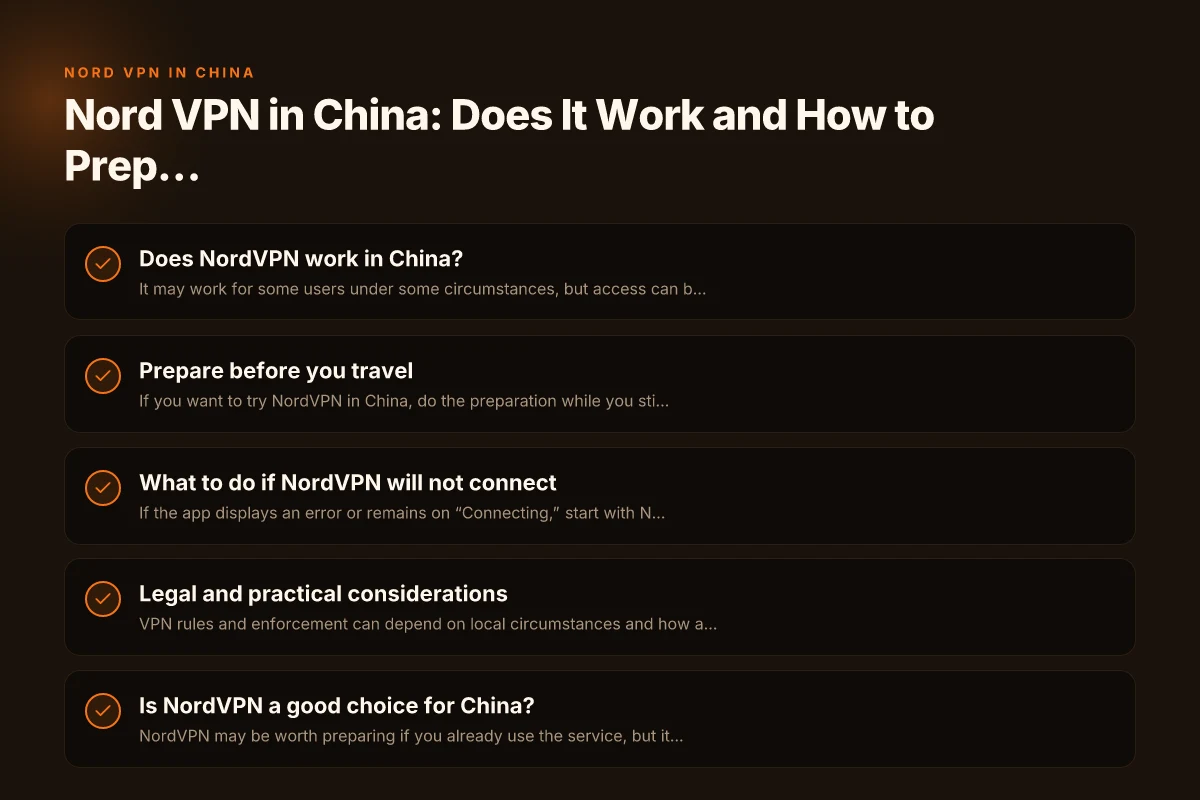
Does NordVPN work in China?
It may work for some users under some circumstances, but access can be inconsistent. NordVPN’s support pages specifically address connection problems from China, including the app getting stuck on “Connecting” or showing an error. Its support guidance also says the NordVPN apps for Android and iOS are blocked in China, and describes manual IKEv2/IPsec setup for those devices.
That distinction matters: having an active NordVPN account does not necessarily mean you can download the app, sign in, or connect once you are in the country. A successful setup for one person or device also does not guarantee the same result for another.
| Question | Practical answer |
|---|---|
| Can I use NordVPN in China? | You may be able to, but access is not dependable. |
| Are the mobile apps available to connect? | NordVPN says its Android and iOS apps are blocked in China. |
| Does NordVPN have a server in mainland China? | Do not assume it does; check NordVPN’s current server information. |
| Is there a guaranteed workaround? | No. Follow official guidance, but expect that connection may fail. |
Prepare before you travel
If you want to try NordVPN in China, do the preparation while you still have access to the services and support resources you may need. Once you arrive, downloading an app or opening a help page could be difficult.
Before departure: does microsoft edge have VPN(2026)
- Create your NordVPN account and confirm your subscription is active.
- Install the NordVPN app on your device and make sure you know how to sign in.
- Review NordVPN’s current support article for connecting from China.
- For Android or iOS, read the relevant official manual IKEv2/IPsec instructions in advance.
- Save setup steps and support details somewhere you can access offline.
- Test your device and account before traveling, while understanding that this does not guarantee a connection in China.
Avoid relying on third-party setup guides as your only source. Instructions can become outdated, and incorrect configuration may waste time or expose you to risks. NordVPN’s own support pages are the best place to check for current, device-specific steps.
Troubleshooting NordVPN connection problems
| What you notice | First action | Next step | If it still fails |
|---|---|---|---|
| App will not connect | Check internet access | Try another available server | Contact NordVPN support |
| Connection drops | Reconnect in the app | Try another available setting | Use a backup connection plan |
| One device fails | Check its app and settings | Test another device | Contact support with device details |
| App will not open | Restart the app | Restart the device | Check for app updates |
| Account access fails | Check sign-in details | Use account recovery options | Contact support |
| Support pages will not load | Try another connection | Use saved support details | Seek help when access is available |
Compiled November 2026; check the provider's site for current details.
What to do if NordVPN will not connect
If the app displays an error or remains on “Connecting,” start with NordVPN’s official troubleshooting guidance. Connection failures may reflect restrictions on access rather than a problem with your account or device, so repeatedly reinstalling the app may not help. enable VPN in edge(2026)
Try these steps:
- Check that your account is active and your device has a working internet connection.
- Follow the latest NordVPN instructions for China and your specific operating system.
- If you use Android or iOS, consult NordVPN’s manual IKEv2/IPsec setup guide for that platform.
- Contact NordVPN support if you can reach it, and provide your device type and the exact error message.
- Keep an alternative plan for essential communication and online tasks.
Do not assume that changing settings will solve the issue. Nor should you treat a connection that works briefly as evidence that the service will remain available throughout your stay.
Legal and practical considerations
VPN rules and enforcement can depend on local circumstances and how a service is used. Search results raise the question of whether VPN use is legal for tourists, but broad claims can be misleading. Check current official travel guidance and applicable rules before using a VPN in China. This article is general information, not legal advice.
Also consider which services you need access to and whether they have official alternatives. A VPN is only one part of travel planning. It cannot guarantee access to a particular website or app, and it should not be your sole way to reach critical information. VPN extension edge(2026)
Deciding whether NordVPN suits your China trip
| Consideration | What to check | Why it matters | Decision cue |
|---|---|---|---|
| Connection reliability | Current NordVPN guidance | VPN access may be restricted | Do not assume it will connect |
| Setup timing | App installation before travel | Access may be harder after arrival | Prepare in advance |
| Device coverage | Each device you plan to use | Setup can differ by device | Test every device |
| Troubleshooting | Available support and saved details | Help pages may be difficult to reach | Save guidance beforehand |
| Essential services | Whether you need a backup route | VPN availability is not guaranteed | Make a backup plan |
| Legal requirements | Current local rules | Requirements can affect VPN use | Check before traveling |
| Privacy and safety | Your own risk tolerance | Travel conditions and needs differ | Choose based on your situation |
Compiled November 2026; check the provider's site for current details.
Is NordVPN a good choice for China?
NordVPN may be worth preparing if you already use the service, but it is difficult to recommend as a dependable China-specific solution. Its own support information warns of access problems and documents blocked mobile apps. Reports from travelers also conflict, which reinforces the need to avoid treating any single successful experience as a promise.
A better way to evaluate it is to separate convenience from reliability: oVPN file(2026)
- Convenience: You can prepare an account and follow official setup instructions before departure.
- Reliability: There is no assurance that NordVPN will connect when you need it.
- Device support: Mobile users should pay particular attention to NordVPN’s manual connection guidance.
- Backup planning: Keep essential contacts, travel details, and alternatives available without relying on a VPN.
Recommendation
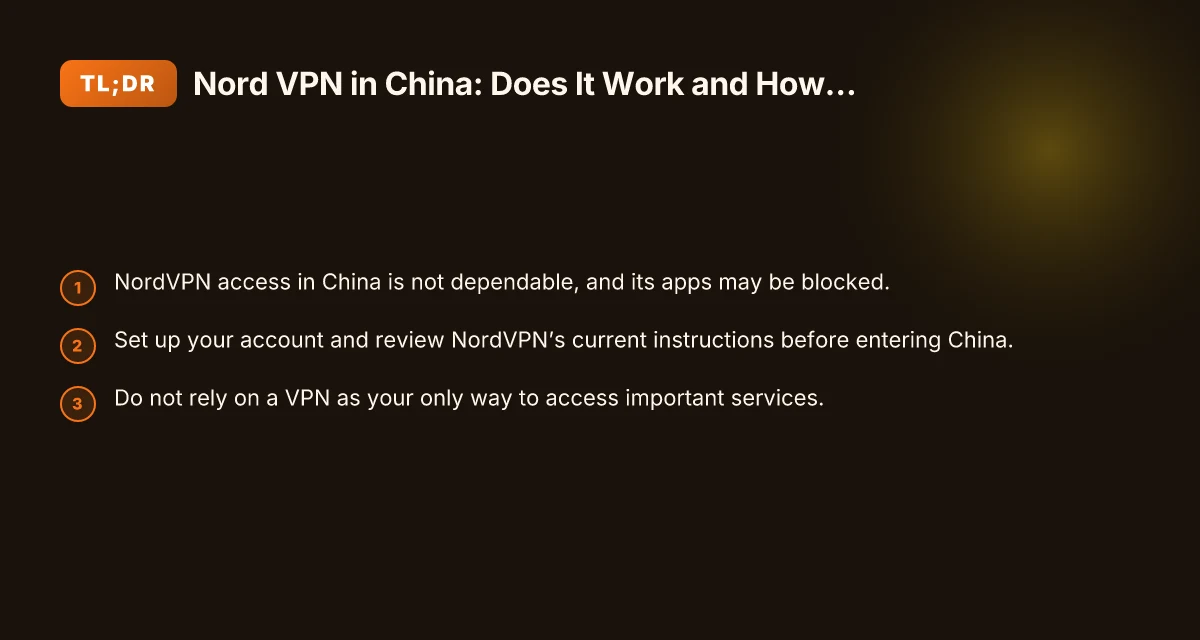
If you are traveling to China, set up NordVPN and review its latest official instructions before you go, but do not depend on it as your only VPN or connectivity plan. NordVPN in China may be difficult to access, especially through its mobile apps, and no setup method can guarantee a working connection.
沈清禾负责免费VPN实测,记录流量上限、速度限制、广告和隐私条款。