VPN extension edge free(2026)
Find a free VPN extension for Microsoft Edge and learn how to check its privacy, limits, and suitability.
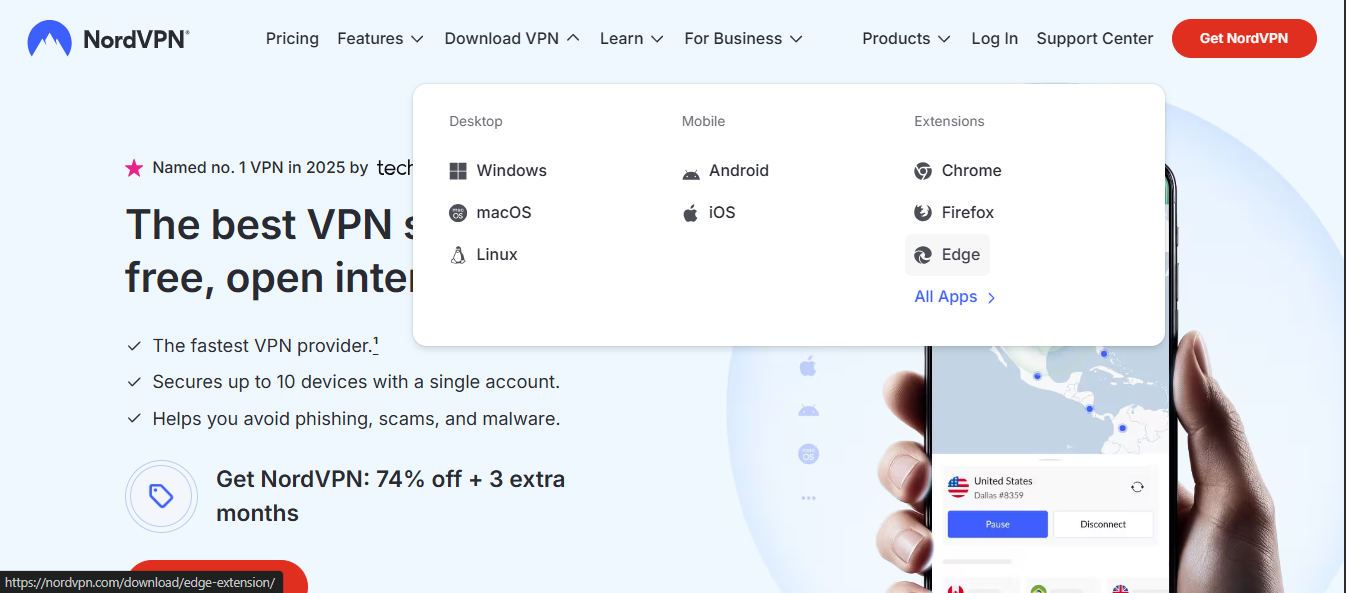
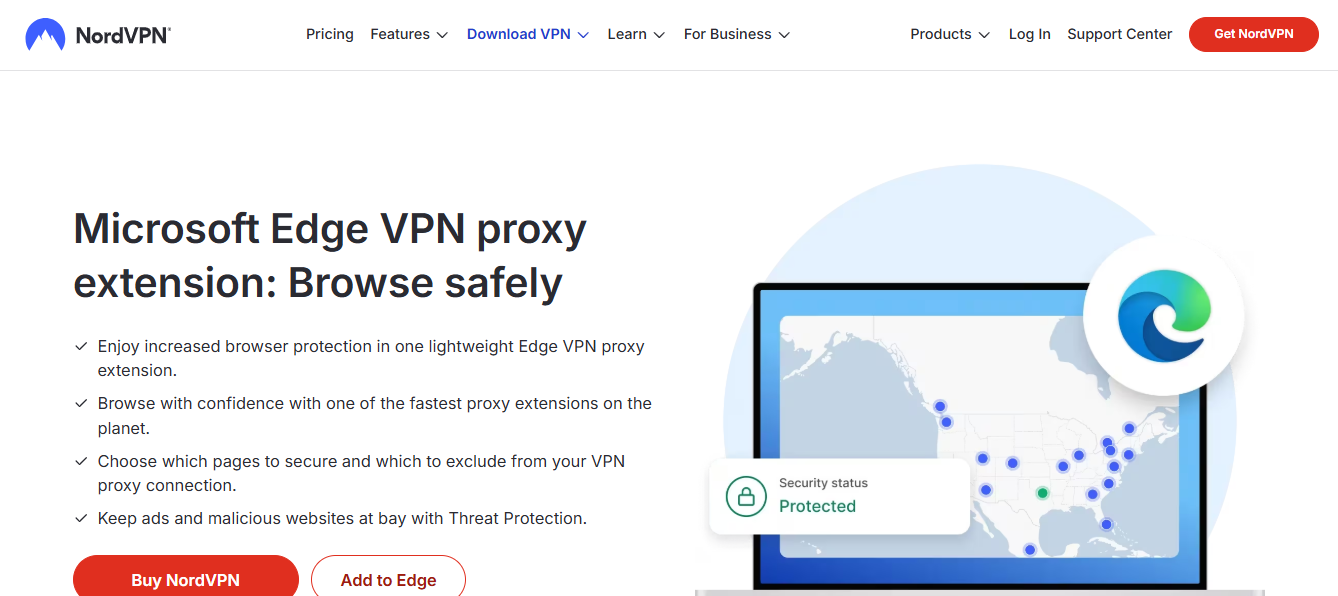
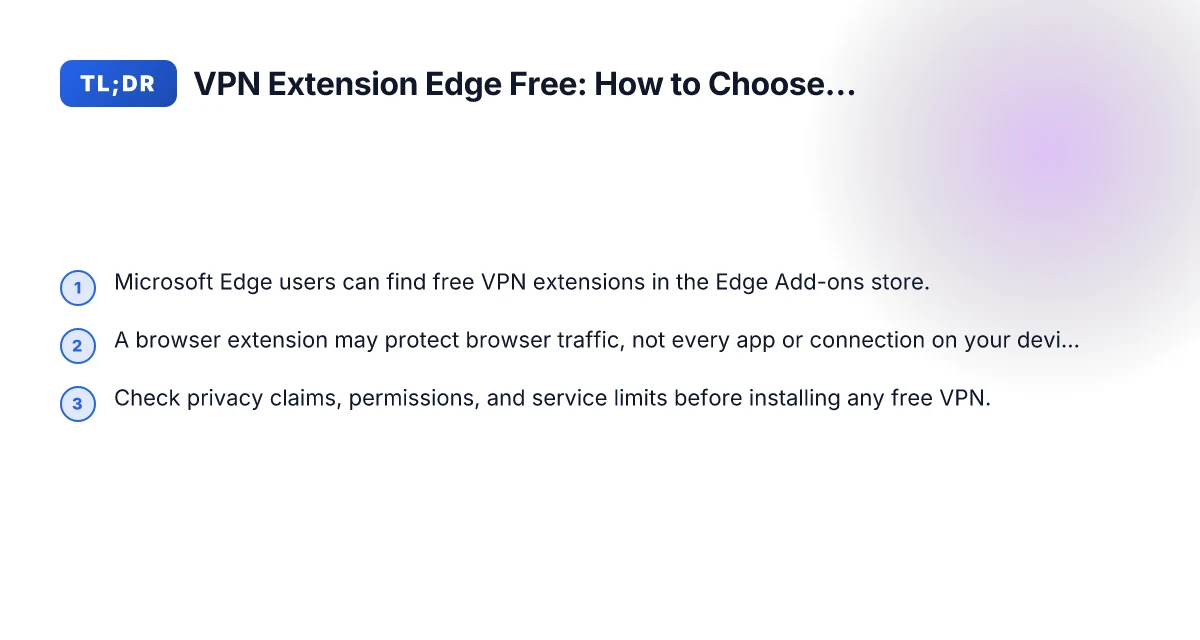
A vpn extension edge free option is available: Microsoft Edge offers VPN add-ons, including VeePN and Browsec. These extensions can make it easier to route browser traffic through a VPN, but “free” does not automatically mean private, unlimited, or suitable for every purpose. Before installing one, check what it protects, what information it collects, and whether its free plan has restrictions.
Free VPN extensions to compare
| Option | Works in Edge | Free-plan limits | Provider transparency | Best for |
|---|---|---|---|---|
| Browser VPN extension | Yes, if Edge-compatible | Varies by provider | Check who operates it | Browser-only protection |
| VPN app with Edge support | Yes, through the app | Varies by provider | Check the provider’s privacy policy | Device-wide protection |
| Free proxy extension | May work in Edge | Varies by provider | Check data-use practices | Changing browser location |
| Built-in browser VPN | Not included in Edge | Not applicable | Not applicable | Not an Edge option |
| Paid VPN extension | Yes, if Edge-compatible | Usually requires a subscription | Review the provider’s policy | More features or support |
| Unknown free extension | May work in Edge | Often unclear | Hard to verify | Avoid unless independently verified |
Compiled November 2026; check the provider's site for current details.
| VPN | Obfuscation | From / month | Plan | Free plan | Refund | Alipay | UnionPay | Crypto | Website opens in China | Trustpilot | |
|---|---|---|---|---|---|---|---|---|---|---|---|
 ZoogVPN | Turn on manually Shadow | $2.49/mo | 27 months: $59.99 | Yes | 7 days | ✓ | ✓ | ✓ | ✓ | Official site blocked; our special link opens (4.4 s) | 4.2/5 (195 reviews) |
 NordVPN | Turn on manually Obfuscated Servers / NordWhisper | $3.49/mo | 27 months: $94.23 | No | 30 days | ? | ✗ | ✓ | ✓ | ✗ Blocked | 4.2/5 (51,628 reviews) |
 ExpressVPN | ✓ On by default all servers | $3.00/mo | 28 months: $84 | No | 30 days | ✗ | ✗ | ✓ | ✗ | ✗ Blocked | 4.4/5 (29,706 reviews) |
 Surfshark | ✓ On by default Camouflage, with OpenVPN | See site | See site | No | 30 days | ✗ | ✗ | ✗ | ✓ | ✗ Blocked | 4.3/5 (31,823 reviews) |
 Proton VPN | Turn on manually Stealth, free plan too | $2.99/mo | 12 months: $35.88 | Yes | 30 days | ✗ | ✗ | ✗ | ✓ | ✗ Blocked | 2.1/5 (1,040 reviews) |
 Astrill VPN | Turn on manually StealthVPN / OpenWeb | $12.50/mo | 24 months: $300 | No | See site | ✗ | ✗ | ✗ | ✓ | ✗ Blocked | 1.3/5 (110 reviews) |
 Private Internet Access | Turn on manually Shadowsocks, OpenVPN only | $2.03/mo | 40 months: $81.2 | No | 30 days | ✗ | ✗ | ✗ | ✗ | ✗ Blocked | 4.2/5 (11,033 reviews) |
 CyberGhost | Turn on manually selected servers | $2.19/mo | 28 months: $61.32 | No | 45 days | ✗ | ✗ | ✗ | ✓ | ✗ Blocked | 4.0/5 (24,178 reviews) |
 PureVPN | Turn on manually switch to OpenVPN | $1.69/mo | 60 months: $101.55 | No | 31 days | ? | ? | ✗ | ✓ | ✗ Blocked | 4.4/5 (17,994 reviews) |
 AdGuard VPN | ✓ On by default TrustTunnel | $2.99/mo | 24 months: $71.76 | Yes | 30 days | ✓ | ✗ | ✓ | ✓ | Official site blocked; our special link opens (3.7 s) | 4.3/5 (290 reviews) |
 Mullvad | Turn on manually QUIC / Shadowsocks / LWO | $5.61/mo | €5/mo | No | 14 days | ✗ | ✗ | ✗ | ✓ | ✗ Blocked | 3.2/5 (192 reviews) |
 Windscribe | Turn on manually Stealth / WStunnel | $5.75/mo | 12 months: $69 | Yes | See site | ✗ | ✗ | ✗ | ✓ | ✗ Blocked | 4.7/5 (13,355 reviews) |
 StrongVPN | Turn on manually Scramble, OpenVPN TCP | See site | See site | No | 30 days | ✓ | ✗ | ✗ | ✗ | ✗ Blocked | 4.4/5 (2,695 reviews) |
 LightXtreme 闪连 | Not listed | $7.08/mo | 12 months: $84.99 | Yes | 30 days | ✓ | ✓ | ✓ | ✓ | ✓ Yes (3.5 s) | No page |
Prices checked 2026-11-10 on each vendor's pricing page (cheapest long plan, USD). Check the vendor's checkout for the final price.
Obfuscation checked 2026-11-14 on each vendor's site and help center: "on by default" = nothing to set; "turn on manually" = switch protocol or mode in settings; "not listed" = the vendor describes no obfuscation.
Payment methods checked 2026-11-10 on each vendor's payment pages: all 14 take cards and PayPal; ✗ = not listed, ? = the vendor's own pages disagree.
China access: whether the official website opens from mainland China networks (tests the website only, not the VPN connection). Last checked 2026-11-18 01:02 Beijing time.
Trustpilot score and review count checked 2026-11-10.
What a free VPN extension for Edge does
A VPN extension adds VPN-related controls to your browser. Depending on the provider and how its product works, it may route some or all of your browser traffic through a VPN server and replace the IP address websites see with the server’s address.
That can be useful when you want an extra layer of privacy while browsing or need to try accessing a site that is unavailable on your current network. However, an Edge extension is not necessarily the same as a full VPN app. It may not cover other browsers, desktop applications, or all device traffic.
A VPN also does not make you anonymous. Websites may still identify you through account sign-ins, cookies, or other tracking methods. Treat a VPN as one privacy tool, not a complete security solution.
Free VPN extensions to consider
The search results include several extensions and provider pages. Their descriptions are claims made by the providers, not independent proof of performance or privacy. nord VPN for pc(2026)
| Option | What the listing or provider says | What to check |
|---|---|---|
| VeePN | Offers a free VPN extension for Edge and describes secure, private browsing | Review its current privacy policy, permissions, and free-plan terms |
| Browsec VPN | Describes its Edge extension as a free way to protect your IP and browse privately | Check how it handles data and what features are available at no cost |
| VuzeVPN | Promotes unlimited VPN access and help bypassing website or Wi-Fi restrictions | Confirm the meaning of “unlimited,” plus logging and coverage details |
| VPN Planet | Promotes hiding your IP and says no registration or account is required | Verify the extension’s permissions and privacy practices before use |
You can find these through the Microsoft Edge Add-ons store or the provider’s official website. Availability and terms can change, so check the current listing rather than relying on older descriptions.
Safety checks for a free Edge VPN
| Check | What to look for | Warning sign | Why it matters |
|---|---|---|---|
| Developer identity | A verifiable provider | No clear operator | Helps assess trust |
| Privacy policy | Clear data collection and use | Missing or vague policy | Reveals how information may be handled |
| Permissions | Permissions that fit the features | Broad, unexplained access | Limits unnecessary access |
| Encryption claims | Specific, understandable details | Unsupported security promises | Helps distinguish claims from evidence |
| Logging practices | Clear explanation of retained data | No logging information | Shows what activity may be recorded |
| Reviews and updates | Recent updates and consistent feedback | Old or suspicious reviews | Offers clues about maintenance and reliability |
Compiled November 2026; check the provider's site for current details.
Does Edge include a free VPN?
Microsoft Edge does not provide a general, built-in free VPN for all browsing. Instead, users can install VPN extensions from the Edge Add-ons store or use a separate VPN application. VPN extension for edge free(2026)
The distinction matters. A browser extension may only affect browser activity, while a full VPN app can be designed to protect traffic from other applications as well. The exact coverage depends on the product. Read the provider’s documentation to understand what is routed through the VPN and what is not.
Also distinguish a VPN from other browser privacy features. Private browsing can limit what Edge saves locally after a session, but it does not by itself hide your IP address from websites or encrypt your connection to a VPN server.
How to choose a free Edge VPN
Read the privacy policy
Look for clear information about what data the service collects, how long it keeps it, and whether it shares it with third parties. “No logs” is a provider claim. Check what the policy actually defines as a log and whether it explains operational data collection.
Review permissions and publisher details
Install extensions from the official Edge Add-ons store when possible. Check the publisher, user feedback, update history, and requested permissions. Be cautious if permissions seem broader than the extension’s stated purpose. urban VPN edge extension(2026)
Check limits and features
Free services may set limits on locations, speed, simultaneous use, or access to particular features. Some listings advertise unlimited data, but confirm the terms on the provider’s own site. Do not assume every feature is available without payment simply because the extension itself is free to install.
Test before relying on it
After connecting, use a reputable IP-checking service to see whether your public IP changes. If you need coverage beyond Edge, check whether the provider offers a separate app and whether its free plan includes it. Avoid entering sensitive information on a connection you do not trust.
Common questions
Is there a free VPN extension for Microsoft Edge?
Yes. The Edge Add-ons store lists free VPN extensions, including VeePN and Browsec. Other providers, such as VuzeVPN and VPN Planet, also promote Edge extensions. Review each service’s current details before installing.
What is the best free VPN for Microsoft Edge?
There is no single best option for everyone. Compare privacy practices, permissions, free-plan limitations, reputation, and whether the extension covers the activity you want to protect. A provider’s own claims are a starting point, not a substitute for checking the terms. ey VPN connect(2026)
Will a free Edge VPN unblock every website?
No. Access can depend on the website, the VPN server, and the service’s current capabilities. A VPN extension may help with some network restrictions, but it cannot guarantee access to every site or streaming service.
Which free Edge VPN option fits your needs?
| Your priority | Option to consider | Check before installing | Trade-off |
|---|---|---|---|
| Protect browser traffic | VPN extension | Confirm what traffic it covers | May not protect other apps |
| Protect the whole device | VPN app with Edge support | Confirm device and Edge compatibility | May require a separate app |
| Use a different apparent location | Extension with location choices | Check available locations on the free plan | Choices may be limited |
| Avoid unclear data practices | Reputable provider’s option | Read its privacy policy | Features may be restricted |
| Keep setup simple | Edge-compatible extension | Review permissions and setup steps | Simplicity does not prove safety |
| Get more features | Compare free and paid plans | Check limits and subscription terms | The free tier may have fewer features |
| Use a VPN built into Edge | No built-in option | Consider a compatible extension or app | Requires a separate provider |
Compiled November 2026; check the provider's site for current details.
Recommendation
For basic browser use, start with an extension listed in the Microsoft Edge Add-ons store and carefully check its publisher, privacy policy, permissions, and free-plan terms. VeePN and Browsec are among the options shown in the search results, but choose based on the current details rather than promotional claims. If you need protection for traffic outside Edge, look for a full VPN app and confirm exactly what its plan covers. urban VPN chrome extension(2026)
沈清禾负责免费VPN实测,记录流量上限、速度限制、广告和隐私条款。