nord VPN for pc(2026)
Learn how to download NordVPN for PC, install it on Windows, connect to a server, and understand key features and limitations.
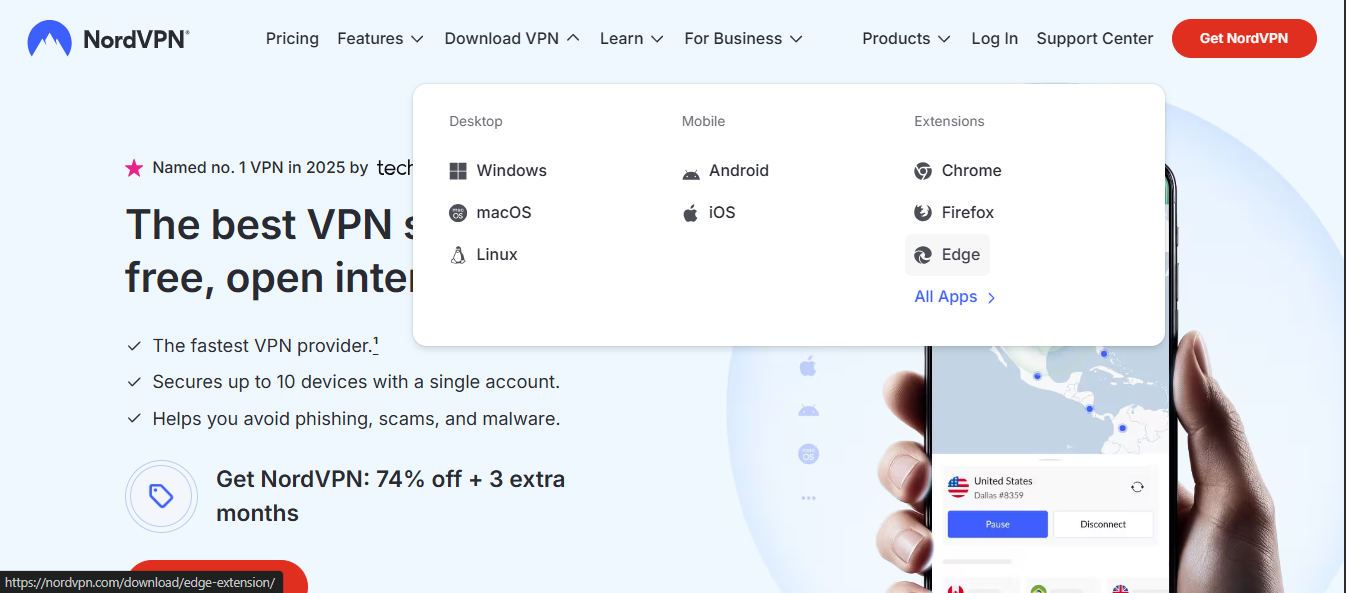
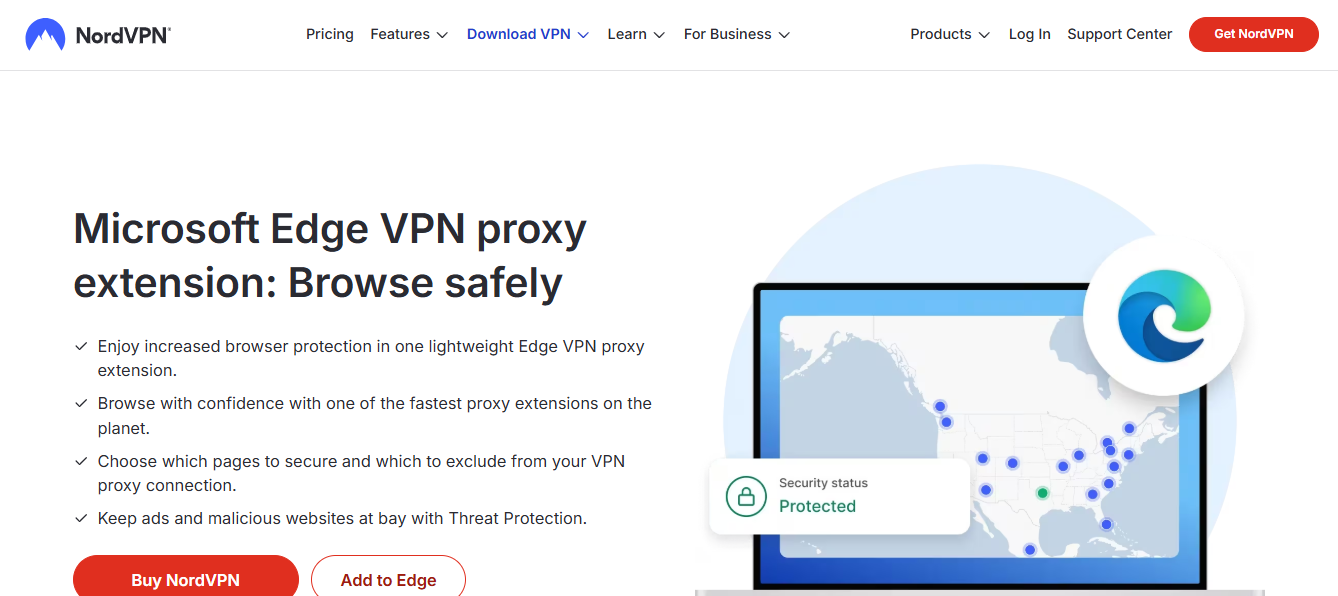
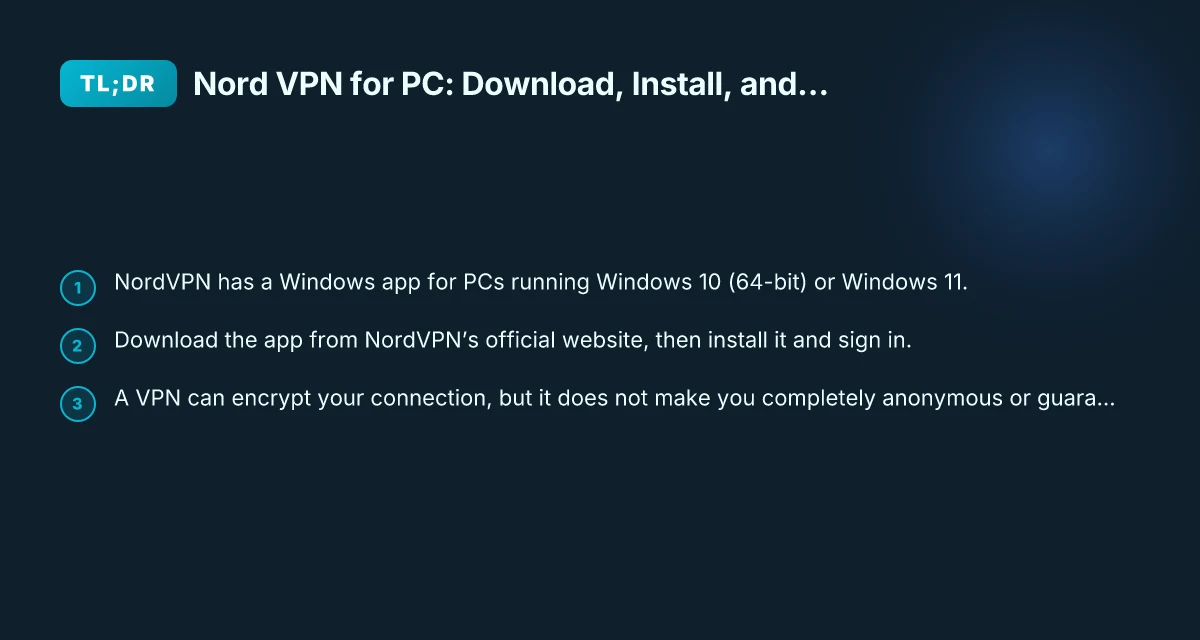
Nord VPN for PC is available as a Windows app for Windows 10 (64-bit) and Windows 11. To get started, download it from NordVPN’s official website, install it, and log in. Once connected, the app routes your internet traffic through a VPN server, helping protect data in transit and masking your IP address from websites you visit.
NordVPN for PC compared with other options
| Option | Windows app | VPN connection | Server choice | Best for |
|---|---|---|---|---|
| NordVPN | Yes | Encrypted VPN tunnel | Choose a server | Windows VPN use |
| Windows built-in VPN | Built in | Depends on VPN provider | Provider-dependent | Connecting to a configured VPN |
| Browser VPN or proxy | Browser-based | Browser traffic only | Service-dependent | Browser-only use |
| Free VPN service | Varies | Usually supported | Often limited | Basic use without a subscription |
| No VPN | Not needed | No VPN tunnel | Not applicable | Unchanged internet connection |
| Mobile VPN app | Not a PC app | Supported on mobile | Service-dependent | Phones and tablets |
Compiled November 2026; check the provider's site for current details.
| VPN | Obfuscation | From / month | Plan | Free plan | Refund | Alipay | UnionPay | Crypto | Website opens in China | Trustpilot | |
|---|---|---|---|---|---|---|---|---|---|---|---|
 NordVPN | Turn on manually Obfuscated Servers / NordWhisper | $3.49/mo | 27 months: $94.23 | No | 30 days | ? | ✗ | ✓ | ✓ | ✗ Blocked | 4.2/5 (51,628 reviews) |
 ZoogVPN | Turn on manually Shadow | $2.49/mo | 27 months: $59.99 | Yes | 7 days | ✓ | ✓ | ✓ | ✓ | Official site blocked; our special link opens (4.4 s) | 4.2/5 (195 reviews) |
 ExpressVPN | ✓ On by default all servers | $3.00/mo | 28 months: $84 | No | 30 days | ✗ | ✗ | ✓ | ✗ | ✗ Blocked | 4.4/5 (29,706 reviews) |
 Surfshark | ✓ On by default Camouflage, with OpenVPN | See site | See site | No | 30 days | ✗ | ✗ | ✗ | ✓ | ✗ Blocked | 4.3/5 (31,823 reviews) |
 Proton VPN | Turn on manually Stealth, free plan too | $2.99/mo | 12 months: $35.88 | Yes | 30 days | ✗ | ✗ | ✗ | ✓ | ✗ Blocked | 2.1/5 (1,040 reviews) |
 Astrill VPN | Turn on manually StealthVPN / OpenWeb | $12.50/mo | 24 months: $300 | No | See site | ✗ | ✗ | ✗ | ✓ | ✗ Blocked | 1.3/5 (110 reviews) |
 Private Internet Access | Turn on manually Shadowsocks, OpenVPN only | $2.03/mo | 40 months: $81.2 | No | 30 days | ✗ | ✗ | ✗ | ✗ | ✗ Blocked | 4.2/5 (11,033 reviews) |
 CyberGhost | Turn on manually selected servers | $2.19/mo | 28 months: $61.32 | No | 45 days | ✗ | ✗ | ✗ | ✓ | ✗ Blocked | 4.0/5 (24,178 reviews) |
 PureVPN | Turn on manually switch to OpenVPN | $1.69/mo | 60 months: $101.55 | No | 31 days | ? | ? | ✗ | ✓ | ✗ Blocked | 4.4/5 (17,994 reviews) |
 AdGuard VPN | ✓ On by default TrustTunnel | $2.99/mo | 24 months: $71.76 | Yes | 30 days | ✓ | ✗ | ✓ | ✓ | Official site blocked; our special link opens (3.7 s) | 4.3/5 (290 reviews) |
 Mullvad | Turn on manually QUIC / Shadowsocks / LWO | $5.61/mo | €5/mo | No | 14 days | ✗ | ✗ | ✗ | ✓ | ✗ Blocked | 3.2/5 (192 reviews) |
 Windscribe | Turn on manually Stealth / WStunnel | $5.75/mo | 12 months: $69 | Yes | See site | ✗ | ✗ | ✗ | ✓ | ✗ Blocked | 4.7/5 (13,355 reviews) |
 StrongVPN | Turn on manually Scramble, OpenVPN TCP | See site | See site | No | 30 days | ✓ | ✗ | ✗ | ✗ | ✗ Blocked | 4.4/5 (2,695 reviews) |
 LightXtreme 闪连 | Not listed | $7.08/mo | 12 months: $84.99 | Yes | 30 days | ✓ | ✓ | ✓ | ✓ | ✓ Yes (3.5 s) | No page |
Prices checked 2026-11-10 on each vendor's pricing page (cheapest long plan, USD). Check the vendor's checkout for the final price.
Obfuscation checked 2026-11-14 on each vendor's site and help center: "on by default" = nothing to set; "turn on manually" = switch protocol or mode in settings; "not listed" = the vendor describes no obfuscation.
Payment methods checked 2026-11-10 on each vendor's payment pages: all 14 take cards and PayPal; ✗ = not listed, ? = the vendor's own pages disagree.
China access: whether the official website opens from mainland China networks (tests the website only, not the VPN connection). Last checked 2026-11-18 01:02 Beijing time.
Trustpilot score and review count checked 2026-11-10.
What NordVPN for PC does
A VPN, or virtual private network, creates an encrypted connection between your device and a VPN server. This can be useful when you want an added layer of privacy on public Wi-Fi or want websites to see the VPN server’s IP address rather than your usual one.
NordVPN’s Windows app lets you connect through a server and manage the VPN connection from your PC. Keep in mind that a VPN is not a complete privacy solution: it does not prevent every kind of online tracking, protect you from all malware, or make your activity invisible to the VPN provider or websites where you sign in.
How to download and install NordVPN on a PC
First, check that your computer meets the Windows requirements and has an internet connection. NordVPN’s Windows download information lists Windows 10 (64-bit) and Windows 11 as supported systems.
Installation steps
- Go to NordVPN’s official Windows download page.
- Download the Windows app installer.
- Open the downloaded file and follow the on-screen instructions.
- Launch the app and log in to your NordVPN account.
- Choose a server or use the app’s connection option to get started.
Use the official NordVPN website rather than an unfamiliar download site. This helps you avoid modified installers and makes it easier to get the current app version and support information. VPN extension for edge free(2026)
If you already have the app installed, check for updates through the app or NordVPN’s official guidance. Menus and setup screens can change as software is updated, so follow the instructions shown on your version.
Choosing how to get NordVPN for Windows
| Option | Where to get it | Windows support | Account needed | What to consider |
|---|---|---|---|---|
| NordVPN website | Official NordVPN site | Yes | Yes | Check current plan terms |
| Microsoft Store | Microsoft Store | If available | Yes | Availability may vary |
| Existing NordVPN account | Nord Account | Yes | Yes | Sign in after installation |
| Free trial or offer | NordVPN promotion | Offer-dependent | Usually | Check eligibility and terms |
| Third-party download site | Unofficial website | Uncertain | Varies | Avoid unverified installers |
| No installation | Not applicable | No VPN app | No | VPN features unavailable |
Compiled November 2026; check the provider's site for current details.
How to connect and use the app
After signing in, connect to a VPN server before browsing if you want your traffic to use the VPN. You can typically select a location in the app or choose its quick-connect option. The app should show whether the VPN connection is active. urban VPN edge extension(2026)
A few practical habits can make the experience smoother:
- Connect before using public Wi-Fi for sensitive tasks.
- Check the app’s connection status if a website or service behaves unexpectedly.
- Disconnect only when you no longer want your traffic routed through the VPN.
- Review the app’s settings and NordVPN’s current help pages for options available on your version.
A VPN may affect connection speed because your traffic takes an additional route through a server. The effect can vary with your internet connection, server location, and network conditions. If a connection feels slow, try another server or disconnect temporarily to compare.
NordVPN for PC compared with other options
The right download depends on the device and operating system you use. NordVPN offers apps for more than Windows, but the Windows installer is intended for supported Windows PCs.
| Option | Best for | What to check |
|---|---|---|
| NordVPN for Windows | Windows 10 (64-bit) or Windows 11 PCs | Download the Windows app from NordVPN’s official site |
| NordVPN for other devices | Macs, Linux devices, phones, tablets, or smart TVs | Choose the app or setup instructions for that device |
| A VPN browser extension | Protecting traffic in a supported browser | Check what traffic the extension covers before relying on it |
A full desktop app and a browser extension are not necessarily interchangeable: an extension may cover only browser traffic, while a VPN app is designed to handle the device’s network connection. Review the product details so you know what is protected. ey VPN connect(2026)
Deciding whether NordVPN is suitable for your PC
| Need or situation | NordVPN for PC fit | Free access | Key limitation | Consider |
|---|---|---|---|---|
| Protect internet traffic | Supported | No general free plan | Requires a paid plan | Subscription terms |
| Choose a VPN server | Supported | Not generally included | Access depends on plan | Server locations |
| Use a Windows app | Supported | App may be downloadable | Downloading is not the same as free service | Sign-in and subscription |
| Try before committing | Offer-dependent | Not guaranteed | Offers can change | Current trial terms |
| Browse without a VPN | Not required | Yes | No VPN protection | Your privacy needs |
| Use a free VPN instead | Depends on provider | Often | Features and limits vary | Provider terms and trustworthiness |
Compiled November 2026; check the provider's site for current details.
Is NordVPN free for PC, and what are the limitations?
NordVPN’s official download page offers the Windows app, but downloading an app is not the same as receiving a free subscription. Check NordVPN’s current plan and trial terms directly before signing up. Availability and terms can change. Avoid assuming that a third-party download listing provides a legitimate free version or subscription.
Possible downsides of using a VPN include: urban VPN chrome extension(2026)
- Some websites may ask for extra verification or block VPN server addresses.
- Your connection may be slower, depending on the server and network.
- A VPN does not prevent phishing, unsafe downloads, or every form of tracking.
- You must trust the VPN provider to handle your account and connection data according to its policies.
A VPN also does not make someone untraceable. It changes how your internet traffic is routed and what IP address sites see, but online accounts, device information, and other records may still identify or help trace activity. For legal, account, or privacy questions, avoid treating a VPN as a guarantee of anonymity.
Recommendation
For a Windows 10 (64-bit) or Windows 11 PC, download NordVPN from its official Windows page, install the app, and sign in to an account under NordVPN’s current terms. Connect before the activities you want routed through the VPN, and remember that a VPN adds a layer of protection rather than total anonymity.
沈清禾负责免费VPN实测,记录流量上限、速度限制、广告和隐私条款。