oVPN file(2026)

Learn what an OVPN file contains, where to get one, and how to import it safely with an OpenVPN app.
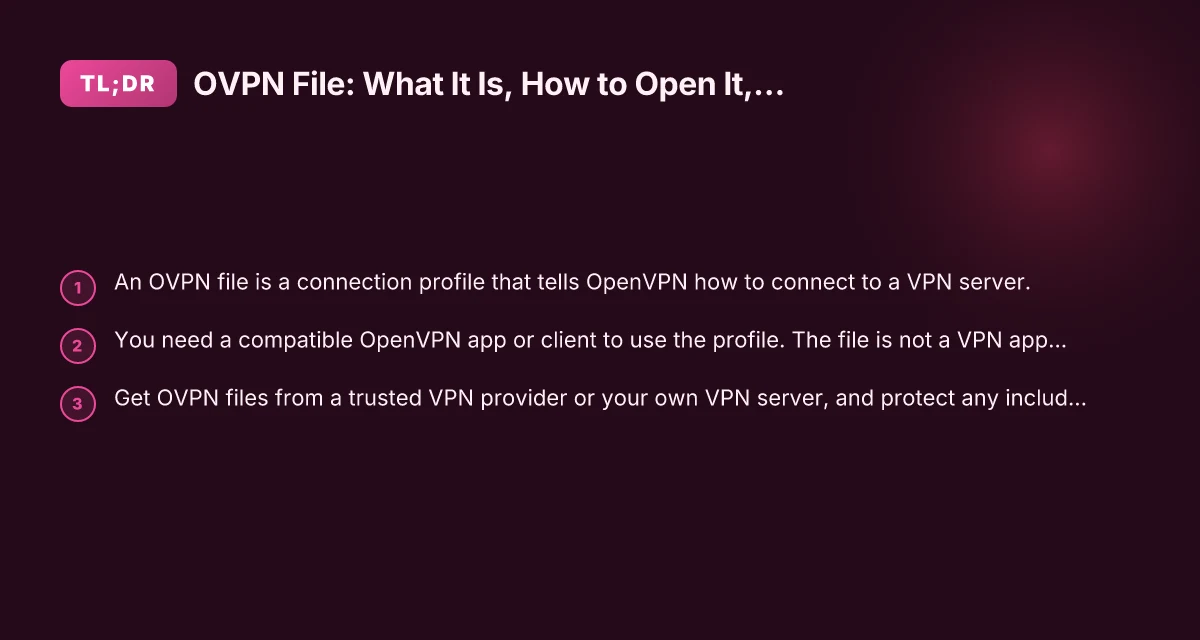
An OVPN file is a text-based configuration profile for OpenVPN. It contains settings that tell an OpenVPN-compatible app which server to contact and how to establish a VPN connection. To use one, download the file from a trusted provider or create it for a server you manage, then import it into an OpenVPN client. Some profiles also require a separate username and password.
Compare safe sources for OVPN files
| Source | Typical contents | Trust level | Main check | Best for |
|---|---|---|---|---|
| VPN provider’s website | Provider’s server settings | High when official | Confirm the provider’s domain | Existing subscribers |
| Provider’s support portal | Downloadable configuration files | High when signed in | Match files to your account and plan | Provider-specific setup |
| VPN app | Profiles or imported configurations | High when obtained officially | Install from the official app store or site | Guided setup |
| Network administrator | Organization-specific profile | High when verified internally | Confirm the sender and intended network | Work or school access |
| OpenVPN community project | Community or test configurations | Varies | Check the publisher and server details | Learning or testing |
| Unfamiliar download site | Files from unknown publishers | Low or unknown | Avoid unless independently verified | Generally not recommended |
Compiled November 2026; check the provider's site for current details.
| VPN | Obfuscation | From / month | Plan | Free plan | Refund | Alipay | UnionPay | Crypto | Website opens in China | Trustpilot | |
|---|---|---|---|---|---|---|---|---|---|---|---|
 ZoogVPN | Turn on manually Shadow | $2.49/mo | 27 months: $59.99 | Yes | 7 days | ✓ | ✓ | ✓ | ✓ | Official site blocked; our special link opens (4.4 s) | 4.2/5 (195 reviews) |
 NordVPN | Turn on manually Obfuscated Servers / NordWhisper | $3.49/mo | 27 months: $94.23 | No | 30 days | ? | ✗ | ✓ | ✓ | ✗ Blocked | 4.2/5 (51,628 reviews) |
 ExpressVPN | ✓ On by default all servers | $3.00/mo | 28 months: $84 | No | 30 days | ✗ | ✗ | ✓ | ✗ | ✗ Blocked | 4.4/5 (29,706 reviews) |
 Surfshark | ✓ On by default Camouflage, with OpenVPN | See site | See site | No | 30 days | ✗ | ✗ | ✗ | ✓ | ✗ Blocked | 4.3/5 (31,823 reviews) |
 Proton VPN | Turn on manually Stealth, free plan too | $2.99/mo | 12 months: $35.88 | Yes | 30 days | ✗ | ✗ | ✗ | ✓ | ✗ Blocked | 2.1/5 (1,040 reviews) |
 Astrill VPN | Turn on manually StealthVPN / OpenWeb | $12.50/mo | 24 months: $300 | No | See site | ✗ | ✗ | ✗ | ✓ | ✗ Blocked | 1.3/5 (110 reviews) |
 Private Internet Access | Turn on manually Shadowsocks, OpenVPN only | $2.03/mo | 40 months: $81.2 | No | 30 days | ✗ | ✗ | ✗ | ✗ | ✗ Blocked | 4.2/5 (11,033 reviews) |
 CyberGhost | Turn on manually selected servers | $2.19/mo | 28 months: $61.32 | No | 45 days | ✗ | ✗ | ✗ | ✓ | ✗ Blocked | 4.0/5 (24,178 reviews) |
 PureVPN | Turn on manually switch to OpenVPN | $1.69/mo | 60 months: $101.55 | No | 31 days | ? | ? | ✗ | ✓ | ✗ Blocked | 4.4/5 (17,994 reviews) |
 AdGuard VPN | ✓ On by default TrustTunnel | $2.99/mo | 24 months: $71.76 | Yes | 30 days | ✓ | ✗ | ✓ | ✓ | Official site blocked; our special link opens (3.7 s) | 4.3/5 (290 reviews) |
 Mullvad | Turn on manually QUIC / Shadowsocks / LWO | $5.61/mo | €5/mo | No | 14 days | ✗ | ✗ | ✗ | ✓ | ✗ Blocked | 3.2/5 (192 reviews) |
 Windscribe | Turn on manually Stealth / WStunnel | $5.75/mo | 12 months: $69 | Yes | See site | ✗ | ✗ | ✗ | ✓ | ✗ Blocked | 4.7/5 (13,355 reviews) |
 StrongVPN | Turn on manually Scramble, OpenVPN TCP | See site | See site | No | 30 days | ✓ | ✗ | ✗ | ✗ | ✗ Blocked | 4.4/5 (2,695 reviews) |
 LightXtreme 闪连 | Not listed | $7.08/mo | 12 months: $84.99 | Yes | 30 days | ✓ | ✓ | ✓ | ✓ | ✓ Yes (3.5 s) | No page |
Prices checked 2026-11-10 on each vendor's pricing page (cheapest long plan, USD). Check the vendor's checkout for the final price.
Obfuscation checked 2026-11-14 on each vendor's site and help center: "on by default" = nothing to set; "turn on manually" = switch protocol or mode in settings; "not listed" = the vendor describes no obfuscation.
Payment methods checked 2026-11-10 on each vendor's payment pages: all 14 take cards and PayPal; ✗ = not listed, ? = the vendor's own pages disagree.
China access: whether the official website opens from mainland China networks (tests the website only, not the VPN connection). Last checked 2026-11-18 01:02 Beijing time.
Trustpilot score and review count checked 2026-11-10.
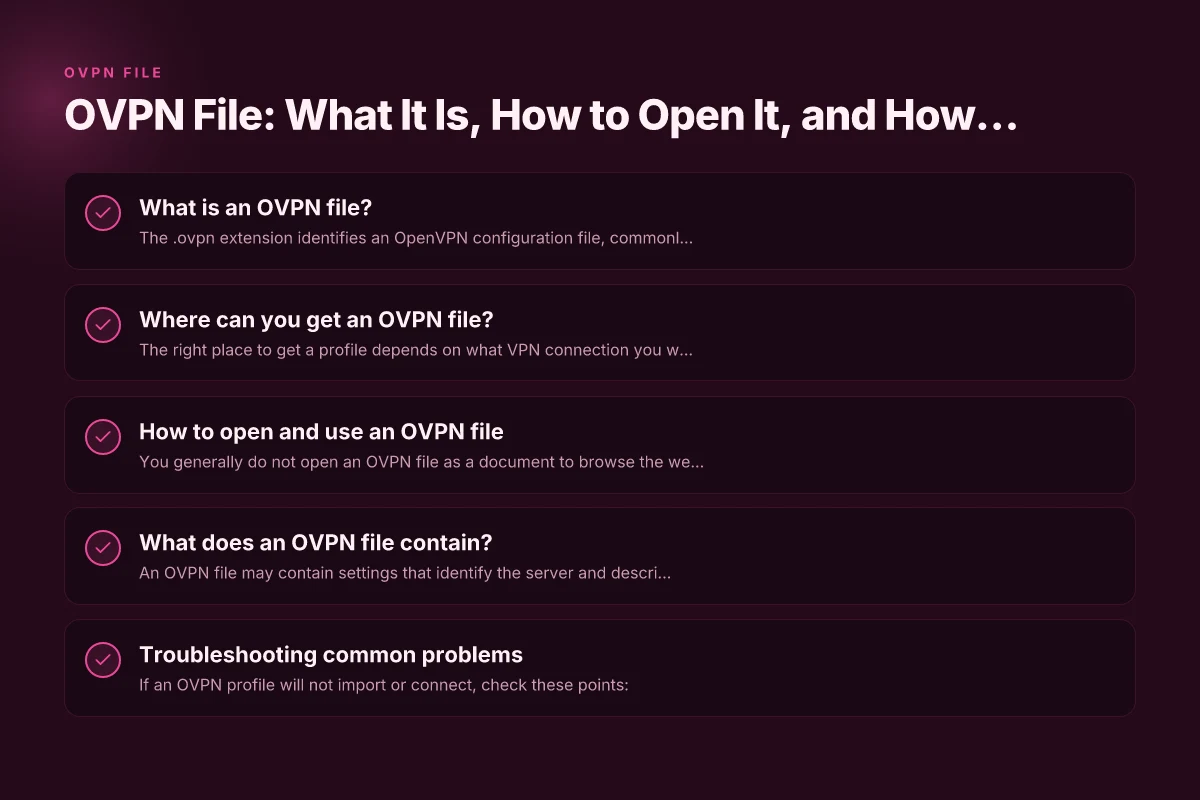
What is an OVPN file?
The .ovpn extension identifies an OpenVPN configuration file, commonly used as a client profile. It may specify a server address, connection protocol, security settings, and certificate or key information. Depending on how the profile is prepared, some credentials or certificates may be included in the file, while others are supplied separately.
An OVPN file is not the VPN service or the software that connects you. Think of it as a set of connection instructions: the OpenVPN app reads the profile and uses its settings to attempt a connection.
On Windows, OpenVPN configuration files commonly use names such as server.ovpn and client.ovpn. On Linux, BSD, and other Unix-like systems, sample files are commonly named server.conf and client.conf. The precise filename and setup depend on the system and whether you are configuring a server or a client.
Where can you get an OVPN file?
The right place to get a profile depends on what VPN connection you want to use: .oVPN file(2026)
- From a VPN provider: Sign in to the provider’s website or app and look for OpenVPN setup instructions or configuration downloads. Providers may offer different profiles for different servers or connection settings.
- From a network administrator: If you are connecting to a workplace, school, or private network, ask its administrator for the correct profile and login details.
- From a server you manage: Create or obtain a client configuration for your own OpenVPN server. The profile must match that server’s settings and certificates.
- From a public repository: Some projects publish example or public profiles, but a file being freely available does not establish that its server is safe, reliable, or under your control.
Avoid using a random OVPN file simply because it is free. The profile directs your device to a particular VPN server, so its source matters. An untrusted profile could route your traffic through an operator you do not know or expect. Check the provider’s identity and instructions before importing it.
Choose a way to open and use an OVPN file
| Method | What you need | Setup approach | Good fit for | Key consideration |
|---|---|---|---|---|
| OpenVPN Connect | App and OVPN file | Import the profile, then connect | Straightforward desktop or mobile use | Get the app from an official source |
| OpenVPN Community client | Compatible client and OVPN file | Load the profile using the client | Users who want the OpenVPN client | Menu steps vary by platform |
| VPN provider’s app | Provider account and app | Sign in and select a server | Users who prefer provider-managed setup | May not require an OVPN file |
| Router’s VPN client | Router with OpenVPN support | Import the profile in router settings | Connecting devices through a router | Router interfaces differ |
| Command-line OpenVPN | Installed OpenVPN software and profile | Start a connection with the configuration | Experienced users and automation | Requires command-line familiarity |
| Organization-managed client | Approved client and authorized profile | Follow administrator instructions | Work or school networks | Use only the organization’s approved settings |
Compiled November 2026; check the provider's site for current details.
How to open and use an OVPN file
You generally do not open an OVPN file as a document to browse the web. Instead, import it into an OpenVPN-compatible client, such as OpenVPN Connect, or another client recommended by your VPN provider. best VPN extension for edge(2026)
The general process is:
- Get the profile from a trusted source.
- Install the compatible OpenVPN app for your device.
- Open the app and choose its option to import or add a profile.
- Select the
.ovpnfile, or follow the provider’s instructions for importing it. - Enter a username and password if prompted.
- Connect, then check the app’s status to confirm whether the connection succeeded.
The menu names and steps can vary by operating system and app version. Follow the instructions from the service that supplied the file, especially if it provides separate certificates or login details. Do not rename, edit, or remove profile components unless the provider or administrator tells you to.
| Task | What you need | What to expect |
|---|---|---|
| Connect to a provider’s VPN | Provider-issued OVPN file and any required credentials | Import the profile into a compatible client, then connect |
| Connect to a private or work VPN | Administrator-issued profile and login information | The administrator may also provide certificates or device-specific instructions |
| Configure your own OpenVPN server | A server setup and a matching client profile | The profile must correspond to the server’s configuration and security materials |
What does an OVPN file contain?
An OVPN file may contain settings that identify the server and describe how the client should connect. It can also refer to or include certificates and keys used to authenticate the connection. The exact contents vary: two files with the same extension may be intended for different servers, users, or connection options.
Because the format is text-based, a text editor may display the file’s contents. However, editing it without understanding the directives can prevent a connection or weaken security. Treat the file as sensitive if it contains embedded credentials, certificates, or private key material. Store it securely and avoid posting it publicly or sending it through an untrusted channel. VPN forticlient(2026)
The profile alone may not be enough to connect. Your provider or administrator might require a separate username and password, or supply additional files that the profile references. Use only the credentials and supporting materials provided for that connection.
Troubleshooting common problems
If an OVPN profile will not import or connect, check these points:
- Confirm the file is complete. Download it again from the trusted source if it appears damaged or was cut off during transfer.
- Use the intended client. The profile is for OpenVPN-compatible software. It may not work in an unrelated VPN app.
- Check credentials. Verify that you are using the correct username and password, if required.
- Include required supporting files. Some configurations need certificates or keys provided separately.
- Check that the profile is current. A provider or administrator may replace profiles when server details or security settings change.
- Ask the issuer for help. The service or administrator that supplied the configuration is best placed to confirm its server address, requirements, and compatibility.
Do not try to fix a connection error by downloading a replacement profile from an unknown site. That may change which server receives your traffic without resolving the original issue.
Diagnose common OVPN file problems VPN extension free edge(2026)
| Symptom | Possible cause | What to check | Suggested action | Security note |
|---|---|---|---|---|
| File will not import | Unsupported format or damaged file | File extension and download | Re-download the official profile | Avoid converting files from unknown sources |
| Connection is rejected | Incorrect or expired credentials | Account status and login details | Sign in again or contact the provider | Never share passwords in an OVPN file |
| Server cannot be reached | Outdated server address or network issue | Profile details and internet access | Get an updated profile or try another network | Use a trusted network |
| Certificate error | Missing, expired, or mismatched certificate | Profile and certificate files | Request a valid profile from the issuer | Do not bypass certificate checks |
| Connection works, but browsing fails | DNS or routing configuration issue | Provider instructions and client status | Re-import the correct profile or contact support | Avoid untrusted DNS settings |
| Unexpected settings appear | Profile came from an untrusted source | Publisher and configuration contents | Stop and replace it with a verified file | Do not connect with suspicious profiles |
Compiled November 2026; check the provider's site for current details.
Recommendation
Use an OVPN file only with a compatible OpenVPN client and only when it comes from a VPN provider you trust, a network administrator, or a server you manage. Import it according to the issuer’s instructions, keep any credentials and certificates private, and contact the issuer if the profile fails to connect.
沈清禾负责免费VPN实测,记录流量上限、速度限制、广告和隐私条款。