microsoft edge secure network VPN(2026)
Learn what Microsoft Edge Secure Network protects, how to enable it, and where its browser-only coverage falls short.
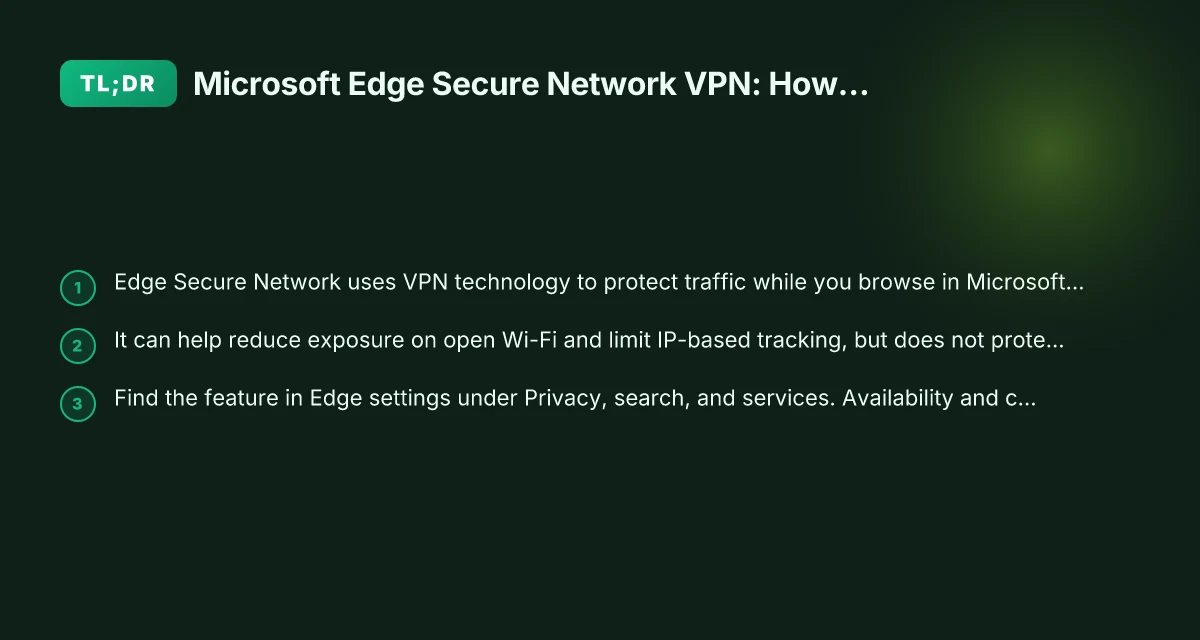
Microsoft Edge Secure Network VPN is a built-in privacy feature that uses VPN technology to protect browsing traffic in Edge. To turn it on, open Edge settings, select “Privacy, search, and services,” and look for “Microsoft Edge Secure Network.” This protection applies to activity in the Edge browser, not all internet traffic from your device, so it is not a replacement for a full-device VPN.
Edge Secure Network vs. a full VPN
| Comparison | Edge Secure Network | Full VPN |
|---|---|---|
| Where it works | Microsoft Edge | Usually across the device |
| Main purpose | Protects Edge traffic | Protects traffic from supported apps or the whole device |
| Public Wi-Fi protection | Yes | Usually supported |
| IP address masking | Yes, for Edge traffic | Yes, for covered traffic |
| Location choice | Limited or unavailable | Often offers server locations |
| Streaming and region access | Not designed for this | May support this |
| Data allowance | Limited monthly allowance | Depends on provider and plan |
| Account or provider | Microsoft account may be required | Depends on provider |
| Best for | Basic protection while browsing in Edge | Broader privacy and location options |
Compiled November 2026; check the provider's site for current details.
| VPN | Obfuscation | From / month | Plan | Free plan | Refund | Alipay | UnionPay | Crypto | Website opens in China | Trustpilot | |
|---|---|---|---|---|---|---|---|---|---|---|---|
 ZoogVPN | Turn on manually Shadow | $2.49/mo | 27 months: $59.99 | Yes | 7 days | ✓ | ✓ | ✓ | ✓ | Official site blocked; our special link opens (4.4 s) | 4.2/5 (195 reviews) |
 NordVPN | Turn on manually Obfuscated Servers / NordWhisper | $3.49/mo | 27 months: $94.23 | No | 30 days | ? | ✗ | ✓ | ✓ | ✗ Blocked | 4.2/5 (51,628 reviews) |
 ExpressVPN | ✓ On by default all servers | $3.00/mo | 28 months: $84 | No | 30 days | ✗ | ✗ | ✓ | ✗ | ✗ Blocked | 4.4/5 (29,706 reviews) |
 Surfshark | ✓ On by default Camouflage, with OpenVPN | See site | See site | No | 30 days | ✗ | ✗ | ✗ | ✓ | ✗ Blocked | 4.3/5 (31,823 reviews) |
 Proton VPN | Turn on manually Stealth, free plan too | $2.99/mo | 12 months: $35.88 | Yes | 30 days | ✗ | ✗ | ✗ | ✓ | ✗ Blocked | 2.1/5 (1,040 reviews) |
 Astrill VPN | Turn on manually StealthVPN / OpenWeb | $12.50/mo | 24 months: $300 | No | See site | ✗ | ✗ | ✗ | ✓ | ✗ Blocked | 1.3/5 (110 reviews) |
 Private Internet Access | Turn on manually Shadowsocks, OpenVPN only | $2.03/mo | 40 months: $81.2 | No | 30 days | ✗ | ✗ | ✗ | ✗ | ✗ Blocked | 4.2/5 (11,033 reviews) |
 CyberGhost | Turn on manually selected servers | $2.19/mo | 28 months: $61.32 | No | 45 days | ✗ | ✗ | ✗ | ✓ | ✗ Blocked | 4.0/5 (24,178 reviews) |
 PureVPN | Turn on manually switch to OpenVPN | $1.69/mo | 60 months: $101.55 | No | 31 days | ? | ? | ✗ | ✓ | ✗ Blocked | 4.4/5 (17,994 reviews) |
 AdGuard VPN | ✓ On by default TrustTunnel | $2.99/mo | 24 months: $71.76 | Yes | 30 days | ✓ | ✗ | ✓ | ✓ | Official site blocked; our special link opens (3.7 s) | 4.3/5 (290 reviews) |
 Mullvad | Turn on manually QUIC / Shadowsocks / LWO | $5.61/mo | €5/mo | No | 14 days | ✗ | ✗ | ✗ | ✓ | ✗ Blocked | 3.2/5 (192 reviews) |
 Windscribe | Turn on manually Stealth / WStunnel | $5.75/mo | 12 months: $69 | Yes | See site | ✗ | ✗ | ✗ | ✓ | ✗ Blocked | 4.7/5 (13,355 reviews) |
 StrongVPN | Turn on manually Scramble, OpenVPN TCP | See site | See site | No | 30 days | ✓ | ✗ | ✗ | ✗ | ✗ Blocked | 4.4/5 (2,695 reviews) |
 LightXtreme 闪连 | Not listed | $7.08/mo | 12 months: $84.99 | Yes | 30 days | ✓ | ✓ | ✓ | ✓ | ✓ Yes (3.5 s) | No page |
Prices checked 2026-11-10 on each vendor's pricing page (cheapest long plan, USD). Check the vendor's checkout for the final price.
Obfuscation checked 2026-11-14 on each vendor's site and help center: "on by default" = nothing to set; "turn on manually" = switch protocol or mode in settings; "not listed" = the vendor describes no obfuscation.
Payment methods checked 2026-11-10 on each vendor's payment pages: all 14 take cards and PayPal; ✗ = not listed, ? = the vendor's own pages disagree.
China access: whether the official website opens from mainland China networks (tests the website only, not the VPN connection). Last checked 2026-11-18 01:02 Beijing time.
Trustpilot score and review count checked 2026-11-10.
What is Microsoft Edge Secure Network?
Secure Network is designed to add privacy when you browse with Microsoft Edge. It can help protect traffic on open Wi-Fi networks and reduce exposure to IP-based tracking. That can be useful when you are browsing on a shared or public connection.
Although the feature uses VPN technology, its coverage is limited to Edge. Other browsers and applications on your device are outside its protection. For example, using a separate email app or another browser does not make that activity part of Edge Secure Network.
| Feature | Edge Secure Network | Full-device VPN |
|---|---|---|
| Protects browsing in Edge | Yes | Usually, depending on the VPN setup |
| Covers other apps on your device | No | Typically |
| Helps protect browsing on open Wi-Fi | Yes, for Edge traffic | Typically, for covered device traffic |
| Designed to reduce IP-based tracking | Yes | Depends on the service and configuration |
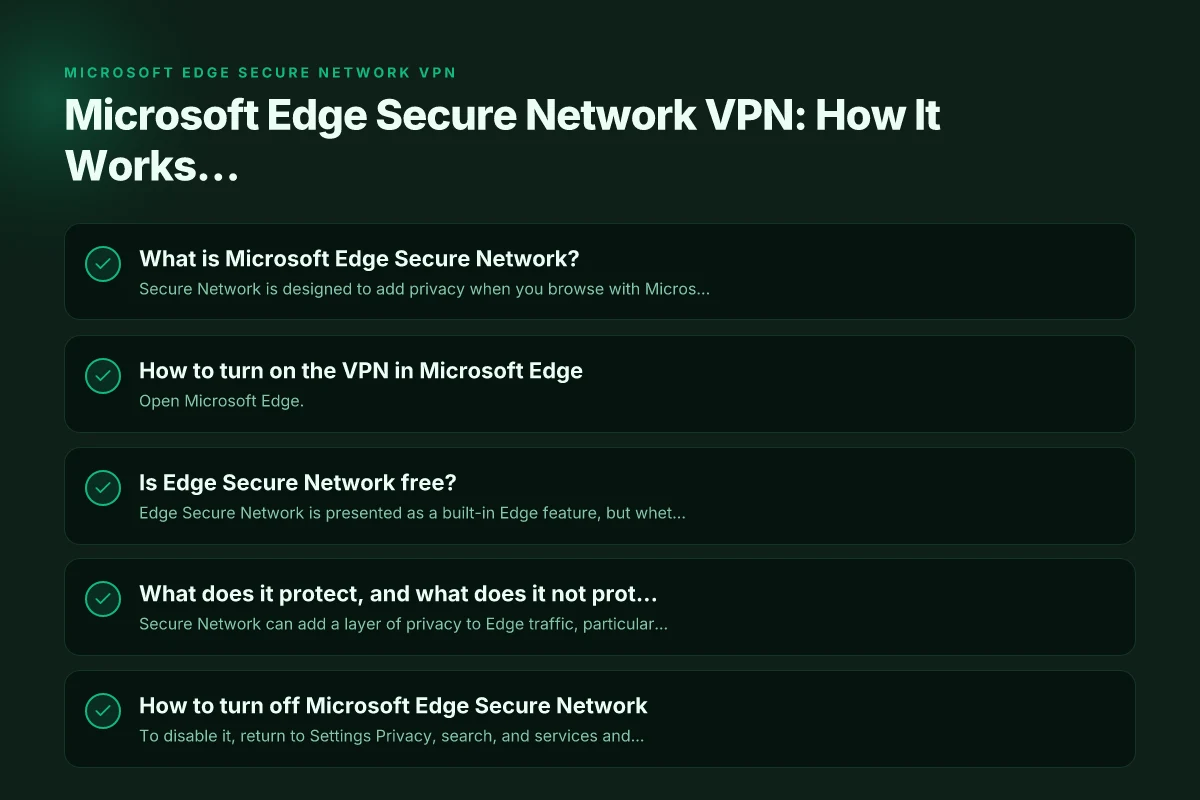
How to turn on the VPN in Microsoft Edge
- Open Microsoft Edge.
- Select the three-dot menu and choose Settings.
- Open Privacy, search, and services.
- Scroll to Microsoft Edge Secure Network.
- Follow the available controls to enable the feature.
If you do not see the Secure Network section, it may not be available in your Edge version, account, or environment. Check that Edge is up to date, then look through the same settings page again. In a managed work or school environment, an administrator may control which browser features are available.
Is Edge Secure Network free?
Edge Secure Network is presented as a built-in Edge feature, but whether it is available to you and what controls you see can depend on current Microsoft settings and your environment. Check the Secure Network section in Edge for the terms and options shown to your account rather than assuming that every version has identical access. urban VPN(2026)
It is also important to separate availability from coverage. Even when Secure Network is enabled, it protects Edge browsing rather than turning on a device-wide VPN for every application.
What Edge Secure Network protects—and what it does not
| Situation or data | Protected by Edge Secure Network? | Notes |
|---|---|---|
| Traffic in Microsoft Edge | Yes | Routed through the secure network |
| Traffic in other browsers | No | Protection applies to Edge |
| Traffic from other apps | No | A full-device VPN may cover supported apps |
| Data on public Wi-Fi | Yes, in Edge | Helps protect the connection from local network snooping |
| IP address seen by websites | Masked for Edge traffic | Websites may see the VPN server address |
| Online activity from Microsoft | Not completely hidden | Microsoft operates the service and may process data |
| Malware or phishing | No | Use security tools and safe browsing practices |
| Location-based privacy | Limited | It is not a full VPN with broad server-location choice |
| VPN protection after turning it off | No | Edge traffic returns to the regular connection |
Compiled November 2026; check the provider's site for current details.
What does it protect, and what does it not protect?
Secure Network can add a layer of privacy to Edge traffic, particularly when you use open Wi-Fi. It may also reduce the exposure of your IP address to sites and services involved in browsing. These protections do not make you anonymous or guarantee that every form of online tracking is blocked. cj VPN(2026)
Keep these limits in mind:
- It is browser-specific. Traffic from apps outside Edge is not covered.
- It is not a complete anti-tracking tool. Websites may use other methods to recognize or track activity.
- It does not make unsafe browsing safe. Be cautious with suspicious links, downloads, and requests for personal information.
- It is not a substitute for device-wide protection. If you need a VPN for multiple apps, look for a service that explicitly covers your device’s traffic.
How to turn off Microsoft Edge Secure Network
To disable it, return to Settings > Privacy, search, and services and open Microsoft Edge Secure Network. Use the available control to turn the feature off. The exact wording or placement may differ between Edge versions.
If the setting is missing or cannot be changed, your organization may manage Edge settings, or the feature may not be available in your current setup. Check with your administrator if you use a managed device.
Edge Secure Network or a full VPN?
Choose based on what you need. Secure Network is convenient if your main goal is added privacy while browsing in Edge. A full-device VPN is more appropriate when you want protection for traffic from multiple browsers and applications, subject to the VPN service’s coverage and configuration. urban VPN extension edge(2026)
Recommendation
Use Microsoft Edge Secure Network as a browser-level privacy aid, especially when browsing on open Wi-Fi. If you need VPN protection beyond Edge, choose a device-wide VPN instead.
沈清禾负责免费VPN实测,记录流量上限、速度限制、广告和隐私条款。