F5 VPN Download: How to Get the Right Client and Connect
Find the official F5 VPN download for your device, learn how installation works, and troubleshoot common connection issues.
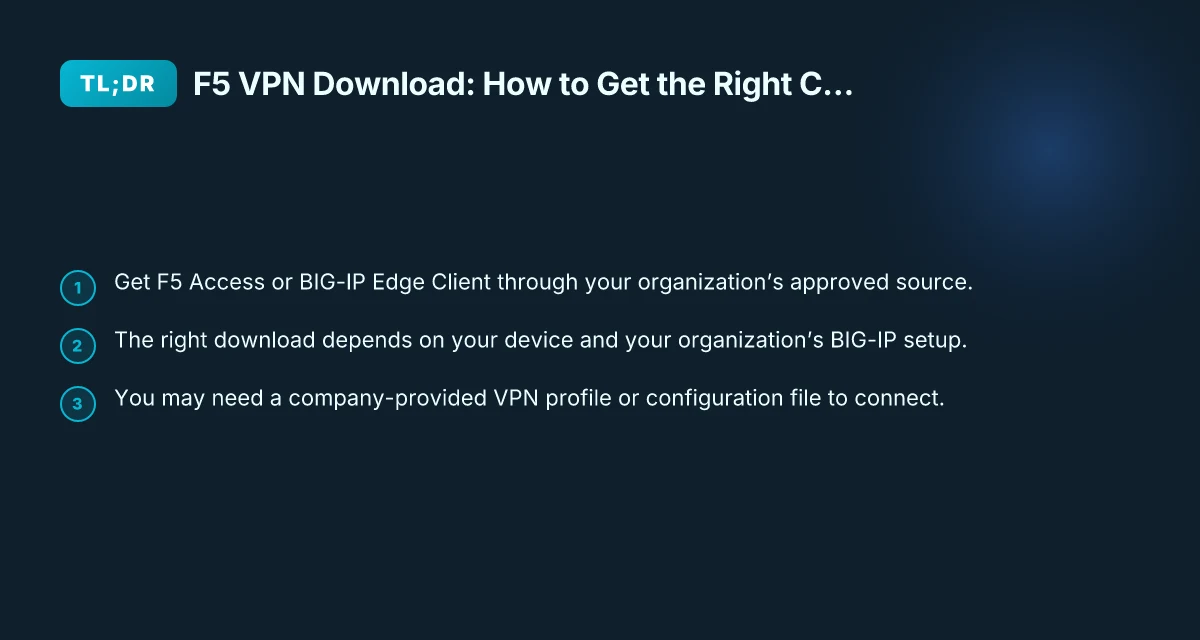
For an F5 VPN download, start with your employer or organization’s IT instructions: F5 VPN access is usually set up for a specific organization, not downloaded as a ready-to-use public VPN. Depending on your device and network configuration, you may need F5 Access or BIG-IP Edge Client, plus a company-provided connection profile or installation package. Use only an official app store, F5 documentation, or a download link supplied by your IT team.
Compare F5 VPN client options
| Client or option | Best for | How to get it | Typical use | Key consideration |
|---|---|---|---|---|
| BIG-IP Edge Client for Windows | Windows users | Organization’s VPN portal or IT team | Connect to a company VPN | Availability depends on the organization |
| BIG-IP Edge Client for macOS | Mac users | Organization’s VPN portal or IT team | Connect to a company VPN | Follow your organization’s instructions |
| F5 Access for Windows | Windows users whose organization supports it | Microsoft Store or organization instructions | Connect to supported F5 VPN services | Check compatibility with your VPN portal |
| F5 Access for macOS | Mac users whose organization supports it | Mac App Store or organization instructions | Connect to supported F5 VPN services | Check compatibility with your VPN portal |
| F5 Access for iOS | iPhone or iPad users | App Store | Connect to a supported organization VPN | Requires organization configuration |
| F5 Access for Android | Android users | Google Play | Connect to a supported organization VPN | Requires organization configuration |
Compiled November 2026; check the provider's site for current details.
| VPN | Obfuscation | From / month | Plan | Free plan | Refund | Alipay | UnionPay | Crypto | Website opens in China | Trustpilot | |
|---|---|---|---|---|---|---|---|---|---|---|---|
 ZoogVPN | Turn on manually Shadow | $2.49/mo | 27 months: $59.99 | Yes | 7 days | ✓ | ✓ | ✓ | ✓ | Official site blocked; our special link opens (4.4 s) | 4.2/5 (195 reviews) |
 NordVPN | Turn on manually Obfuscated Servers / NordWhisper | $3.49/mo | 27 months: $94.23 | No | 30 days | ? | ✗ | ✓ | ✓ | ✗ Blocked | 4.2/5 (51,628 reviews) |
 ExpressVPN | ✓ On by default all servers | $3.00/mo | 28 months: $84 | No | 30 days | ✗ | ✗ | ✓ | ✗ | ✗ Blocked | 4.4/5 (29,706 reviews) |
 Surfshark | ✓ On by default Camouflage, with OpenVPN | See site | See site | No | 30 days | ✗ | ✗ | ✗ | ✓ | ✗ Blocked | 4.3/5 (31,823 reviews) |
 Proton VPN | Turn on manually Stealth, free plan too | $2.99/mo | 12 months: $35.88 | Yes | 30 days | ✗ | ✗ | ✗ | ✓ | ✗ Blocked | 2.1/5 (1,040 reviews) |
 Astrill VPN | Turn on manually StealthVPN / OpenWeb | $12.50/mo | 24 months: $300 | No | See site | ✗ | ✗ | ✗ | ✓ | ✗ Blocked | 1.3/5 (110 reviews) |
 Private Internet Access | Turn on manually Shadowsocks, OpenVPN only | $2.03/mo | 40 months: $81.2 | No | 30 days | ✗ | ✗ | ✗ | ✗ | ✗ Blocked | 4.2/5 (11,033 reviews) |
 CyberGhost | Turn on manually selected servers | $2.19/mo | 28 months: $61.32 | No | 45 days | ✗ | ✗ | ✗ | ✓ | ✗ Blocked | 4.0/5 (24,178 reviews) |
 PureVPN | Turn on manually switch to OpenVPN | $1.69/mo | 60 months: $101.55 | No | 31 days | ? | ? | ✗ | ✓ | ✗ Blocked | 4.4/5 (17,994 reviews) |
 AdGuard VPN | ✓ On by default TrustTunnel | $2.99/mo | 24 months: $71.76 | Yes | 30 days | ✓ | ✗ | ✓ | ✓ | Official site blocked; our special link opens (3.7 s) | 4.3/5 (290 reviews) |
 Mullvad | Turn on manually QUIC / Shadowsocks / LWO | $5.61/mo | €5/mo | No | 14 days | ✗ | ✗ | ✗ | ✓ | ✗ Blocked | 3.2/5 (192 reviews) |
 Windscribe | Turn on manually Stealth / WStunnel | $5.75/mo | 12 months: $69 | Yes | See site | ✗ | ✗ | ✗ | ✓ | ✗ Blocked | 4.7/5 (13,355 reviews) |
 StrongVPN | Turn on manually Scramble, OpenVPN TCP | See site | See site | No | 30 days | ✓ | ✗ | ✗ | ✗ | ✗ Blocked | 4.4/5 (2,695 reviews) |
 LightXtreme 闪连 | Not listed | $7.08/mo | 12 months: $84.99 | Yes | 30 days | ✓ | ✓ | ✓ | ✓ | ✓ Yes (3.5 s) | No page |
Prices checked 2026-11-10 on each vendor's pricing page (cheapest long plan, USD). Check the vendor's checkout for the final price.
Obfuscation checked 2026-11-14 on each vendor's site and help center: "on by default" = nothing to set; "turn on manually" = switch protocol or mode in settings; "not listed" = the vendor describes no obfuscation.
Payment methods checked 2026-11-10 on each vendor's payment pages: all 14 take cards and PayPal; ✗ = not listed, ? = the vendor's own pages disagree.
China access: whether the official website opens from mainland China networks (tests the website only, not the VPN connection). Last checked 2026-11-18 01:02 Beijing time.
Trustpilot score and review count checked 2026-11-10.
Choose the right F5 VPN client
F5 provides different client options for different devices and BIG-IP configurations. Check your organization’s instructions before installing anything. The client alone may not include the settings needed to connect.
| Client | Common use | Download guidance |
|---|---|---|
| F5 Access | Supported Windows and Apple devices | Use the official Microsoft Store or Apple App Store listing, if your organization directs you there |
| BIG-IP Edge Client | Windows access configured through BIG-IP Access Policy Manager | Follow your organization’s instructions or the relevant F5 documentation |
The Microsoft Store listing describes F5 Access as providing secure enterprise application and file access using SSL VPN technologies. F5’s Apple App Store listing is for F5 Access on iOS. Availability and compatibility can depend on your device, operating system, and organization’s setup.
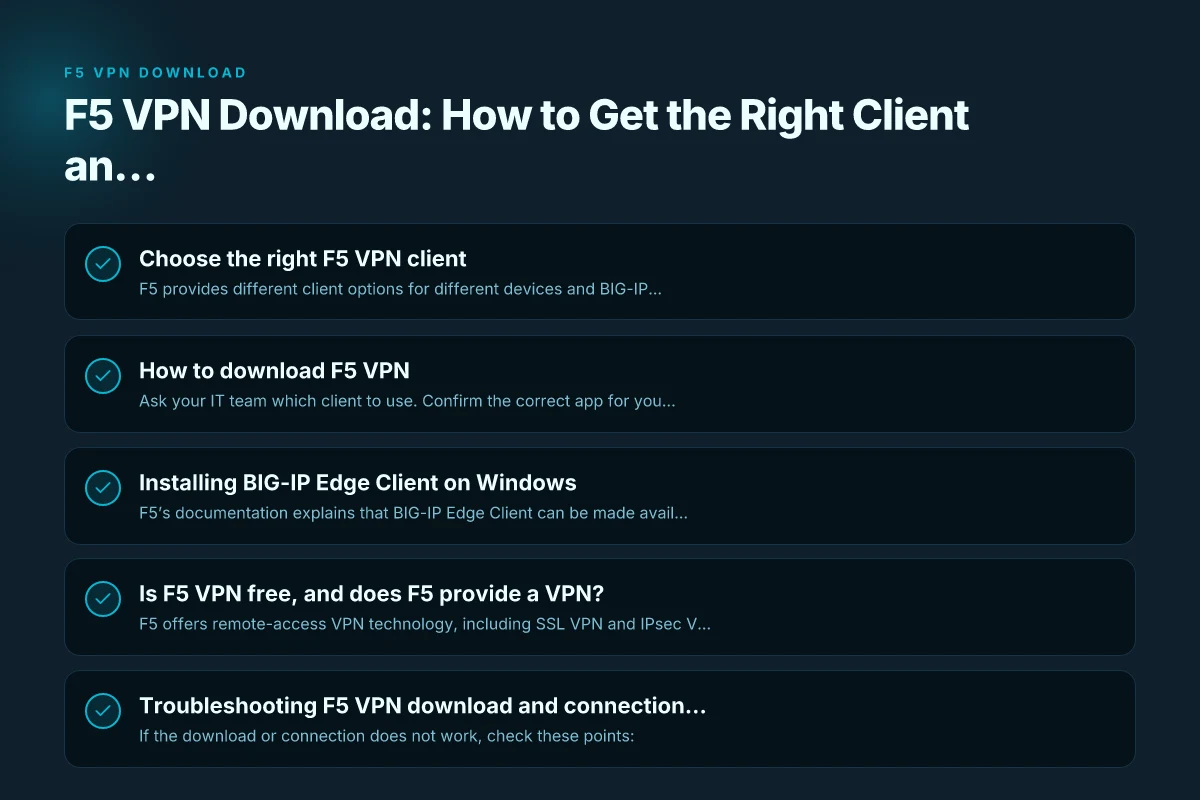
How to download F5 VPN
- Ask your IT team which client to use. Confirm the correct app for your device and whether your organization distributes it through a company portal, app store, or BIG-IP access page.
- Use the approved download source. For F5 Access, use the official Microsoft Store or Apple App Store listing when directed. For BIG-IP Edge Client, use your organization’s link or F5’s official documentation.
- Install the client. Follow the prompts on your device. If you are asked for a configuration file, server address, or sign-in details, get them from your organization rather than guessing.
- Connect using your organization’s instructions. Enter the supplied server or portal address and sign in with the required account or authentication method.
A public download may install the software but not provide access. Your organization controls whether you are authorized to connect and which connection settings you need.
Choose a safe download route Free VPN to Change Location: What to Check Before You Connect
| Download route | Suitable when | What to check | Main advantage | Main risk |
|---|---|---|---|---|
| Organization VPN portal | Your employer or school provides one | Portal address and sign-in instructions | Client matches the organization’s setup | A mistyped or outdated address can cause problems |
| IT team or help desk | You need the approved installer | Device type and operating system | Confirms the right client and configuration | Response may take time |
| Microsoft Store | Your organization supports F5 Access for Windows | Publisher and app compatibility | Installs through a trusted store | Store app may not suit every VPN setup |
| Mac App Store | Your organization supports F5 Access for macOS | Publisher and app compatibility | Installs through a trusted store | Organization-specific setup may still be needed |
| Apple App Store | You need F5 Access on iPhone or iPad | App identity and organization guidance | Official mobile app channel | App alone may not provide VPN access |
| Google Play | You need F5 Access on Android | App identity and organization guidance | Official Android app channel | App alone may not provide VPN access |
Compiled November 2026; check the provider's site for current details.
Installing BIG-IP Edge Client on Windows
F5’s documentation explains that BIG-IP Edge Client can be made available through a BIG-IP Access Policy Manager page. When configured by an administrator, the user can open the BIG-IP welcome page, find the downloads area, and select the appropriate BIG-IP Edge Client component.
Some installations use a package provided by the organization. F5’s support article about installing the Windows client without an installation package says that the config.f5c file must be present in the Download\F5 VPN folder. This is a setup detail for the applicable installation method, not a file to obtain from an unofficial download site. Ask your administrator for the correct package and configuration if you do not have them.
For Mac, F5 provides administrator instructions for downloading and installing F5 Access. Those instructions involve a BIG-IP administrator selecting a connectivity profile in the BIG-IP Configuration utility. This means the download or configuration may need to be prepared by your organization before you can complete setup. NordVPN Download Windows 11: How to Install and Set It Up
Is F5 VPN free, and does F5 provide a VPN?
F5 offers remote-access VPN technology, including SSL VPN and IPsec VPN solutions. F5 Access is listed in the Microsoft Store and Apple App Store, but installing an app does not automatically grant VPN service or organizational access. Your employer or institution must provide an enabled service and the connection details.
If you are looking for a personal VPN to browse the internet privately, an F5 workplace client may not be the right product. It is designed for access to enterprise applications and resources configured by an organization. Ask your IT department what access is available to you and whether any account or device requirements apply.
Match common connection problems to next steps
| Problem | First check | Useful next step | Contact IT when | Avoid |
|---|---|---|---|---|
| Download link does not work | Portal address and network access | Open the link from your organization’s instructions | The portal is unavailable | Unofficial download sites |
| Installer will not open | Operating system and installer source | Download the approved version again | The approved installer still fails | Disabling security protections |
| Client installs but will not connect | VPN address and internet connection | Re-enter the portal address and retry | The address or setup is unclear | Guessing server settings |
| Sign-in is rejected | Username, password, and account status | Confirm the correct organization account | Credentials remain rejected | Sharing credentials |
| Multi-factor prompt fails | Phone or authentication method access | Retry using the organization’s approved method | The prompt is missing or repeatedly fails | Approving an unexpected request |
| Connection drops | Network stability and client status | Reconnect on a stable network | Drops persist across networks | Changing managed network settings |
| Client appears outdated | Organization’s required client version | Check the portal or IT instructions | No approved update is listed | Installing an update from an unknown site |
Compiled November 2026; check the provider's site for current details. Checkpoint VPN: What It Does, How It Works, and Which Option to Use
Troubleshooting F5 VPN download and connection problems
If the download or connection does not work, check these points:
- Wrong client: Confirm whether your organization requires F5 Access or BIG-IP Edge Client.
- Missing configuration: Ask whether you need a profile, package, portal address, or
config.f5cfile. - Unapproved source: Use the organization’s link or an official store listing rather than a third-party download site.
- Account or access issue: Verify your sign-in details and ask IT whether your account is authorized for remote access.
- Device compatibility: Check your organization’s instructions for supported operating systems and device requirements.
- Installation or sign-in error: Note the exact message and contact your help desk. An administrator may need to check the BIG-IP configuration or the profile assigned to your account.
Avoid downloading files from sites that are not affiliated with F5 or your organization. A VPN installer from an unknown source may be outdated, altered, or incompatible with your company’s setup.
Recommendation
For the safest and most reliable F5 VPN download, ask your organization which client and configuration to use, then install it from the official source they recommend. If you do not have a company portal, profile, or sign-in instructions, contact IT before trying another download.
沈清禾负责免费VPN实测,记录流量上限、速度限制、广告和隐私条款。